
Symmetric Galaxies guide: check opposite squares before growing a region
Symmetric Galaxies is about half-turn symmetry, not simply colouring a balanced-looking shape. Every region revolves around its own star, stays connected through shared sides and helps cover the whole grid. The available edition paints opposite squares together, which is convenient but does not decide the correct region for you. This guide explains the geometry behind that action and a practical way to test candidate ownership.
Understand the half-turn relationship
A region must look identical after a one-hundred-and-eighty-degree rotation around its star. A square above and right of the centre pairs with a square below and left. This differs from reflection across a vertical mirror line, which would keep the square above the centre while changing only left and right.
Each region is connected through shared sides and contains its own star at the centre of symmetry. Corner contact alone does not connect two patches. All grid cells need an assigned region, and a region cannot take over the protected core belonging to another star. A visually symmetric pair is therefore only one part of a valid final galaxy.
Stars can lie at cell centres, on cell boundaries or at intersections. Their precise position determines which cells form the central core and where every opposite square lands. Do not mentally move a star into the nearest cell to simplify your counting; the point itself is the clue.
Find an opposite square using offsets
Imagine a star centred on row four, column four. A square at row two, column five sits two rows above and one column right. Its partner sits two rows below and one column left: row six, column three. If either position lies outside the actual board, this pair cannot belong to that star.
For a star between two cells, use distances from the point rather than treating one of the cells as the centre. The interface's paired painting can help you see the transformation. Observe which second square changes, then explain why that square is opposite. The tool is useful feedback for learning the geometry.
An in-bounds partner is necessary, not sufficient. The pair may clash with another star's core, or it may be impossible to connect both pieces back to the current core. Keep those later checks separate from the first geometric test. A candidate that passes one condition can still fail the complete region rules.
What automatic paired painting guarantees
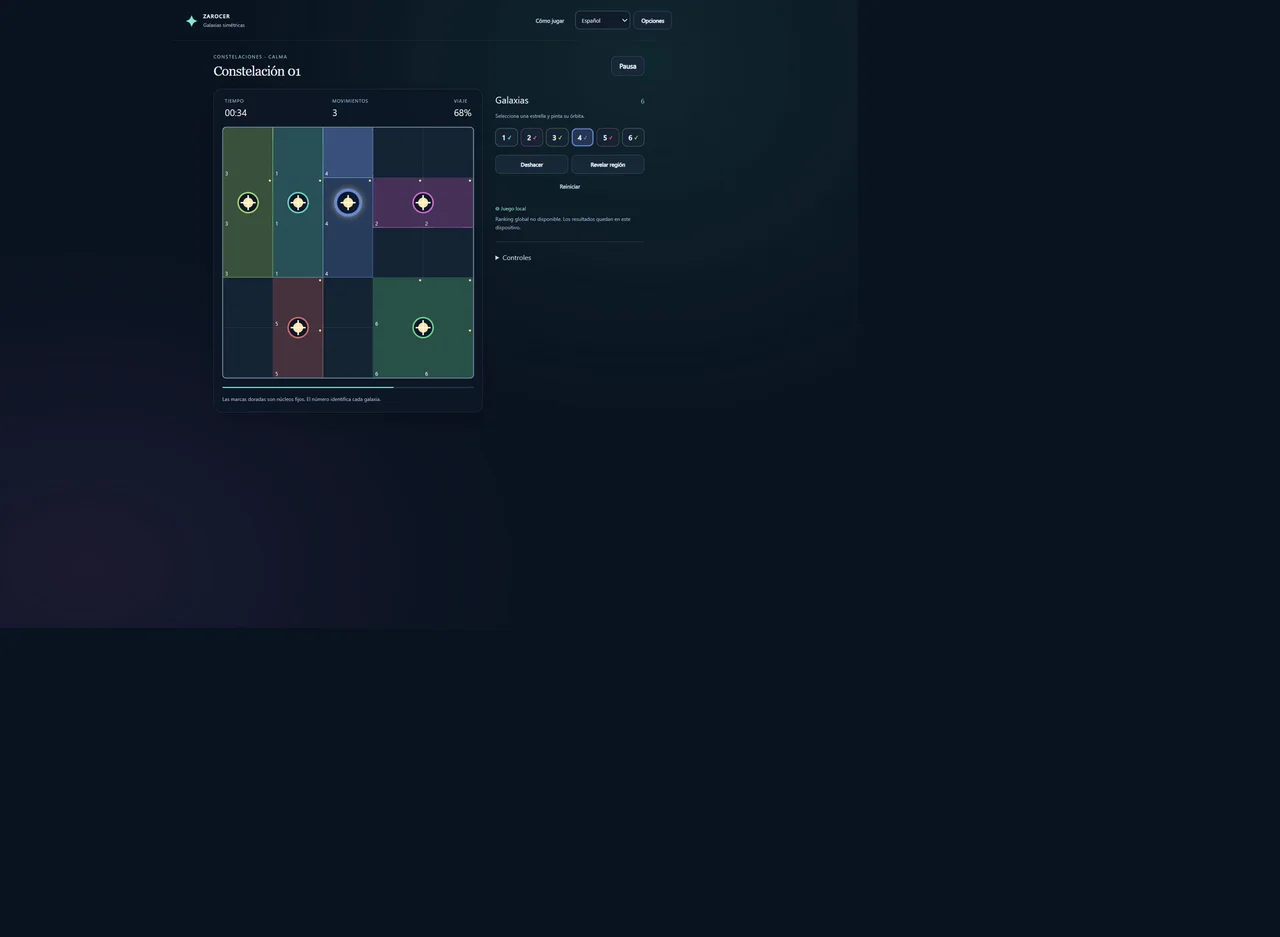
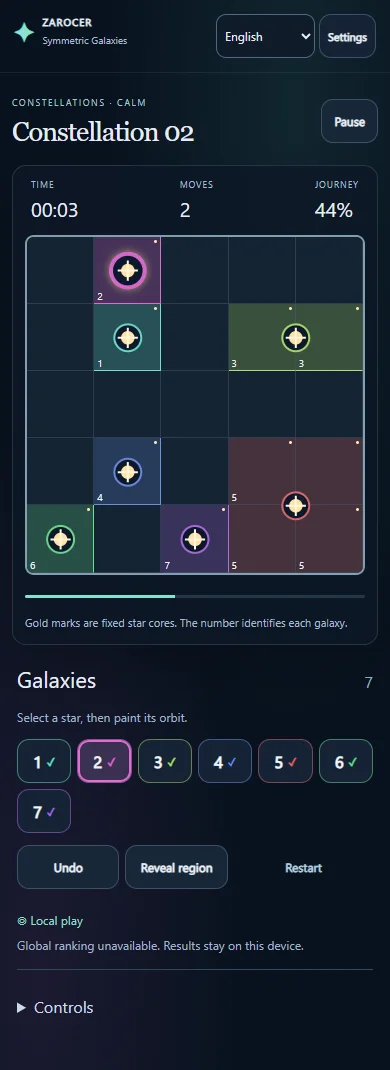
Choose a numbered star, then paint a square. Its opposite square is painted at the same time. This preserves the rotational relationship for that action, but does not guarantee that your chosen ownership is correct. Two distant coloured squares can be symmetric and disconnected from their core.
To attach them, you need an edge-connected path and the rotated counterpart of that path. Adding a single convenient bridge on one side may automatically add an inconvenient bridge on the other. Inspect both consequences before expanding. Region construction is a joint decision about the two sides, not two independent drawing tasks.
Tapping a square already belonging to the selected star again can erase its pair, except where the protected core prevents it. Removing a square can therefore break a connection far away. When correcting a region, follow the change through both paired positions rather than checking only the place you tapped.
A board-edge deduction
Consider a seven-by-seven grid with a star centred at row two, column three. A square at row five, column three lies three rows below the centre. Its opposite would be three rows above, beyond the board. That square is excluded from this galaxy regardless of how easily you could draw a path toward it.
The square at row three, column three instead pairs with row one, column three. Both are inside the grid. They are potential members if they can connect to the core and respect other stars. Now imagine another star's protected core occupies the row-one square. The potential pair fails, so the row-three square is excluded from the first star as well.
This example shows how a remote protected cell can determine ownership nearby. It also distinguishes two reasons for rejection: the partner leaves the board, or the partner is reserved for someone else. Naming the reason makes a deduction easier to revisit if you misread the star's exact location.
Connectivity supplies further exclusions
A candidate square might have a valid opposite yet no legal route to its core. Examine every available side-connected route. If all require invading another core or adding an impossible opposite square, the candidate cannot belong to the selected galaxy. A diagonal touch at the end of a route is not a connection.
Valid regions do not have to be rectangles or equal-sized shapes. An irregular shape can satisfy half-turn symmetry, and neighbouring galaxies may have very different areas. Avoid choosing ownership on the assumption that each star must receive a similarly large territory.
For an unassigned square, compare all centres that could plausibly own it. If only one survives the partner and connection checks, its ownership is forced. The nearest star is not automatically the answer. Distance is an observation; valid symmetric connectivity is the actual requirement.
Available modes and controls
The published version starts with five-by-five constellations and also offers seven-by-seven and nine-by-nine grids. The campaign contains twenty-four challenges. Daily Orbit uses a shared puzzle for each UTC day, while free exploration lets you choose a seed to replay or share a board. A seed describes puzzle material; it does not transfer your locally saved progress.
Mouse, touch and keyboard controls are supported. Select the star before painting, and use arrows with Enter for keyboard play. There are no lives or forced time limits. Undo and revealing a region can help with learning, but an assisted completion should not be mistaken for a fully independent chain of deductions.
Progress is saved on the device when storage is available, and results remain local. The global leaderboard is not enabled in this release. The build's language options change its instructions, not the rotational geometry. Check the game page before switching profiles or devices rather than assuming an account has synchronised the puzzle.
A three-part final check
First inspect rotational pairs near each region's boundary. Then follow every coloured cell back to its core through shared sides. Finally check total board coverage. A symmetric region can be disconnected; a connected region can leave unassigned holes. Completing one visual check does not establish all the win conditions.
If a region fails, identify the most recent pair that cut a path or consumed another centre's necessary space. Correcting that association preserves earlier valid work. Erasing all colours may restart the puzzle without teaching you which condition caused the mistake.
For the next session, practise one edge-based exclusion and one exclusion caused by another protected core. The game links below open the current build. Fillomino uses area values to form connected regions, while Star Battle places separated stars inside regions already drawn. Symmetric Galaxies instead builds regions around a half-turn centre. Those differences are useful when choosing another puzzle and when deciding which familiar technique actually transfers.
Keep playing
Every game page lists its current version and controls and offers a fullscreen play view.
Explore the collection: Logic Puzzle Games