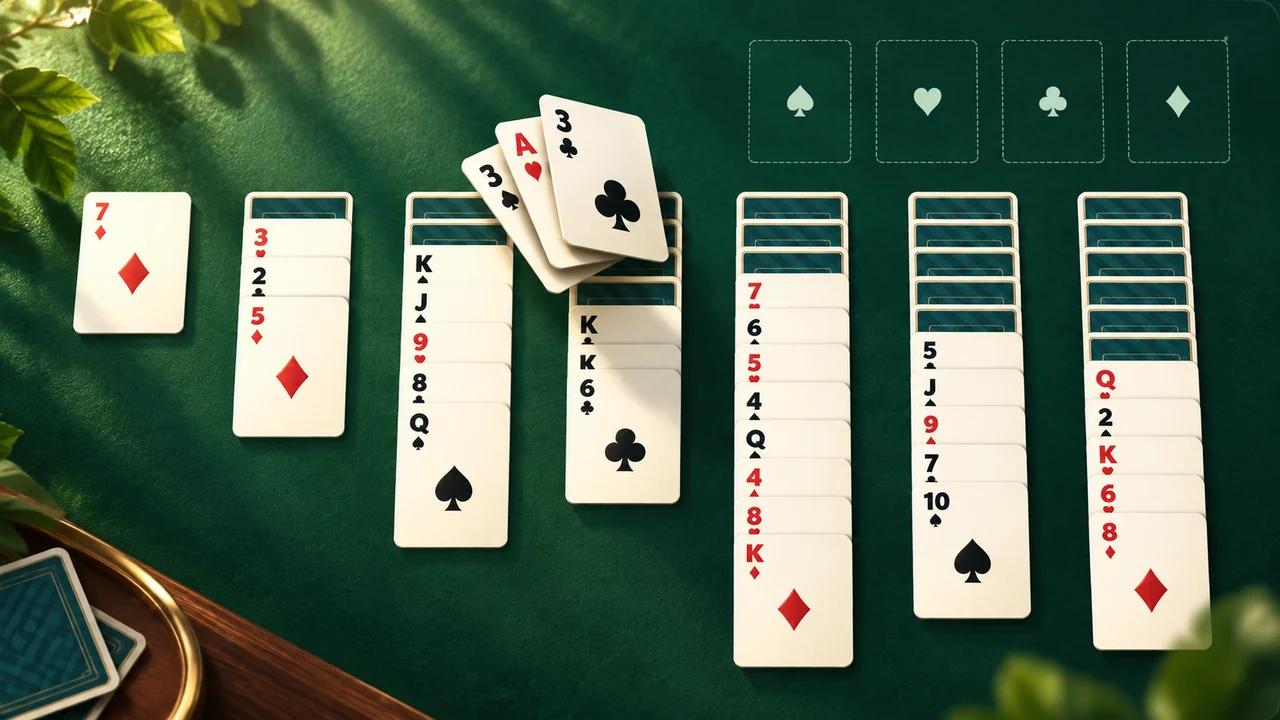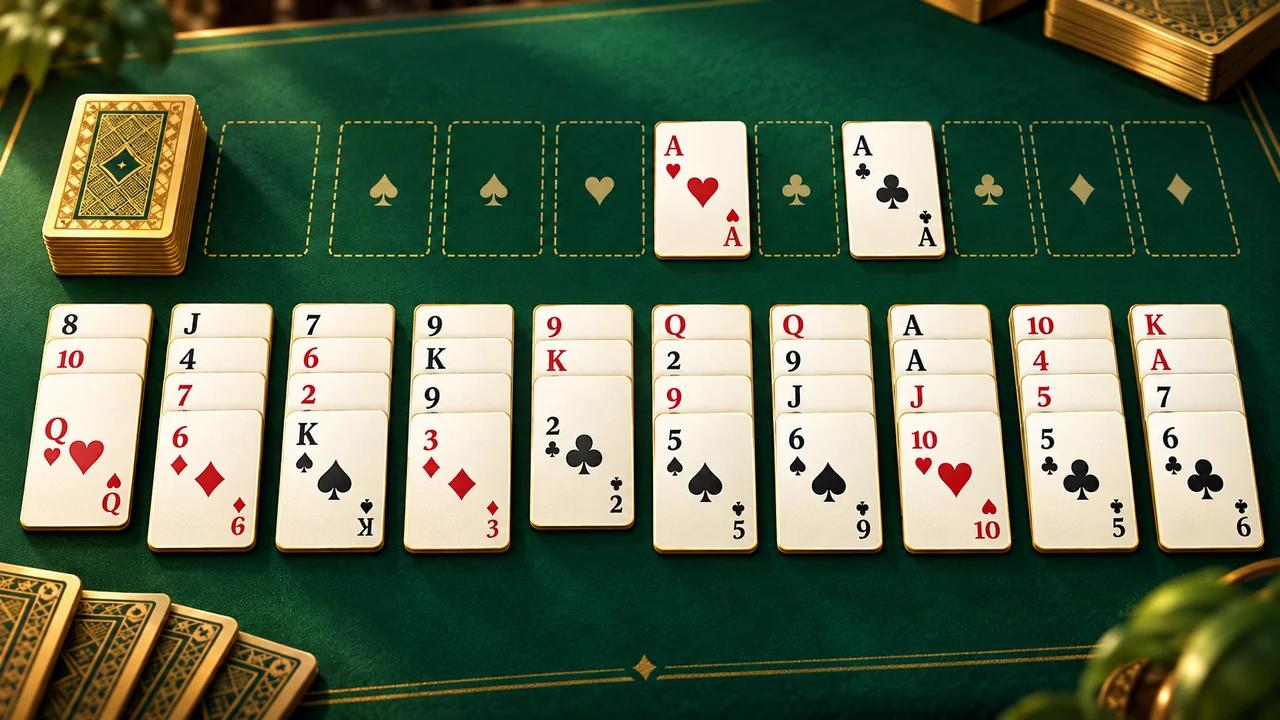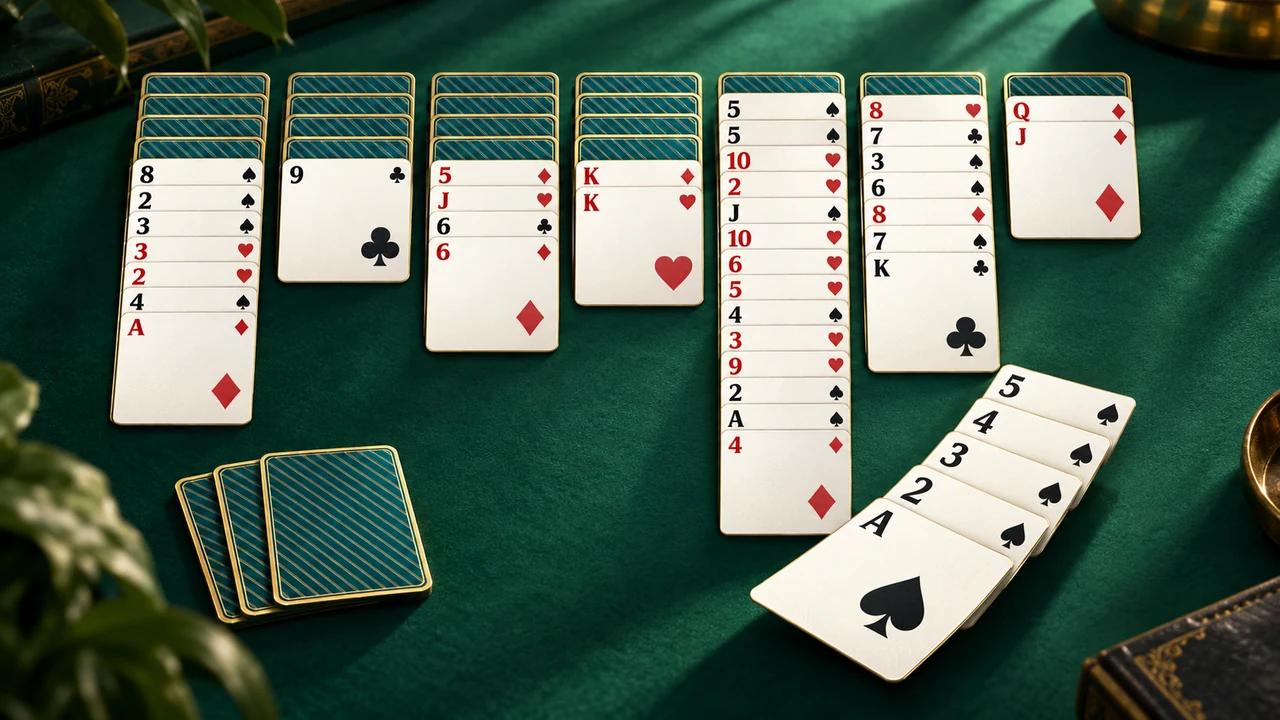
Scorpion Solitaire
Created by Zarocer
Released
- Developer
- Zarocer
- Genre
- Card Games
- Version
- 1.1.0
- Published
- October 2, 2026
- Last updated
- October 2, 2026
- Game engine
- HTML5
PLATFORMWeb Browser
DEVICESDesktop · Mobile
CONTROLSMouse · Touch · Keyboard
ABOUT THE GAME
About Scorpion Solitaire
Scorpion is a 52-card solitaire game where any face-up card can carry every card beneath it. Build four complete King-to-Ace runs, one per suit. This edition includes undo, hints, local statistics, and a reproducible daily challenge.
Explore category: Solitaire Games
How to play
Choose any face-up card and move it onto the next higher card of the same suit. Everything below your chosen card moves with it. Only a King can fill an empty column. Deal the three reserve cards once when useful.
Rules in this version
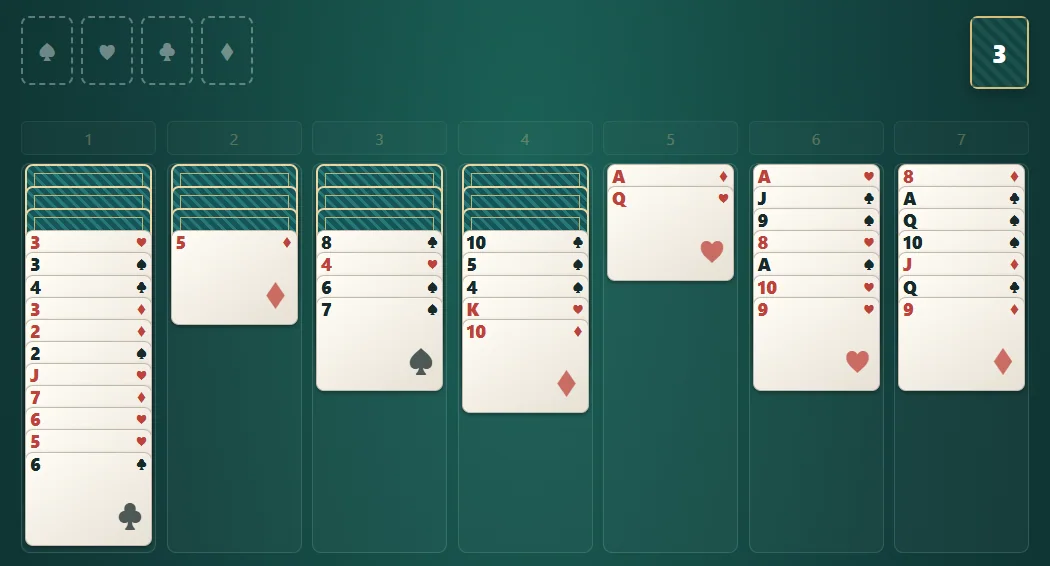
- Seven columns of seven cards; the first four each have three hidden cards.
- Any face-up card can move with its entire tail, even if that tail is unordered.
- Build downward in the same suit only.
- Only a King can fill an empty column.
- Complete King-to-Ace runs clear automatically. Clear all four suits to win.
Tips for playing
- Favor moves that uncover hidden cards.
- Save empty columns for useful Kings.
- Check your options before dealing the reserve.
Questions about this game
How many reserve cards are there?
Three. Deal them once, one onto each of the first three columns.
Can I move an unordered group?
Yes. The chosen card needs a legal destination, but everything below it moves along even when unordered.
Game screenshots
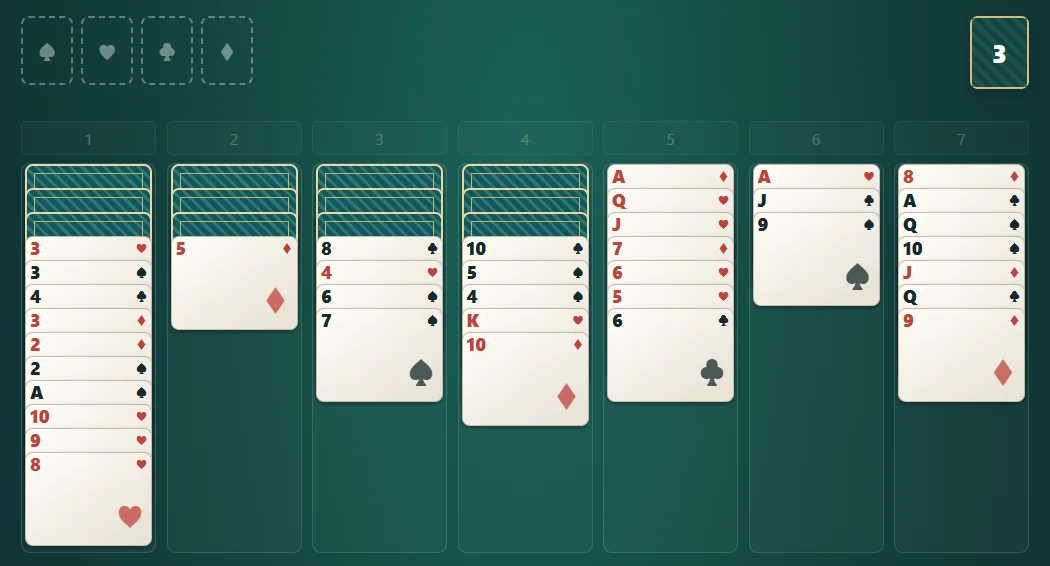
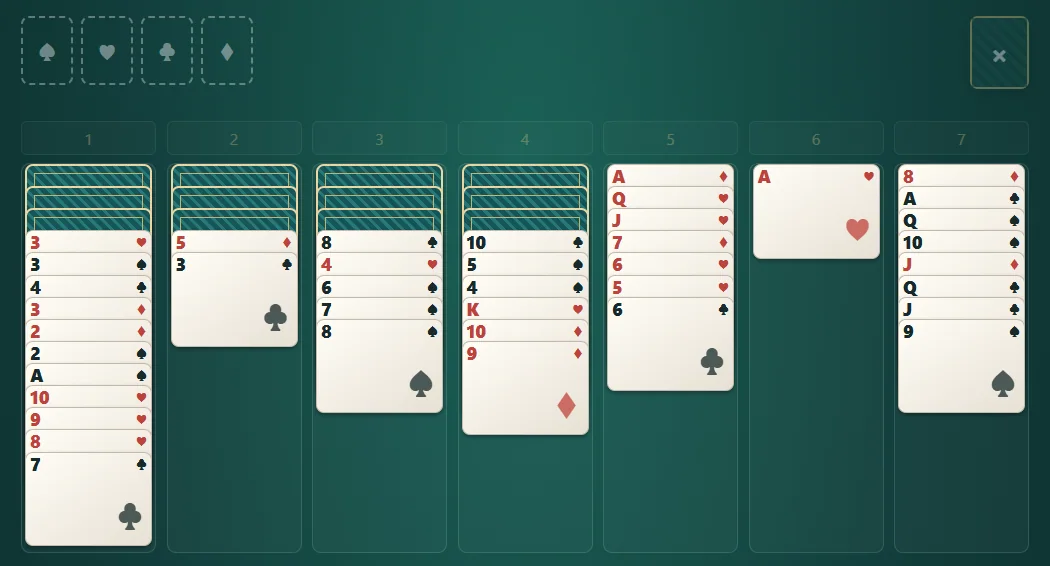
FEATURES
- Classic game
- Daily challenge
- Local save
- Undo history retained on reload
- Separate Classic and Daily saves
- Same-deal restart and saved results
CONTROLS
- Select a card, then choose its destination
- Use Hint and Undo when you need help
- Tab and Enter/Space activate buttons; P pauses
KEEP EXPLORING