

Play Four in a Row online
Created by Zarocer
Released
- Developer
- Zarocer
- Genre
- Strategy
- Version
- 1.1.1
- Published
- October 2, 2026
- Last updated
- October 3, 2026
- Game engine
- HTML5
Make the move that sets up the next one.
About Four in a Row
Drop discs into a seven column board and race to connect four. Challenge the computer, share a screen with a friend, or try a daily board. One small move can open a winning line or block your opponent.
How to play
Take turns dropping a disc into one of seven columns. Connect four horizontally, vertically, or diagonally to win. A full board without a line is a draw.
Rules in this version
- Take turns dropping a piece into one of seven columns.
- The first player to connect four pieces horizontally, vertically or diagonally wins.
Tips for playing
- Watch the centre columns and consider which cell your move makes available to your opponent next.
Questions about this game
Is two-player mode online?
No. Two people take turns on the same device. You can also play against the computer.
Gravity decides whether a four is immediate
Three discs only create an immediate winning threat when the fourth square can be filled on the next turn. An empty square suspended above a gap is not playable yet because a disc falls to the first open space in its column.
On each turn, first check whether you can complete four. If not, look for the opponent’s immediate win and block it where possible. Then compare moves that prepare two different lines: a double threat can force the opponent to choose which line to defend.
Choose another turn-based board game →Game screenshots
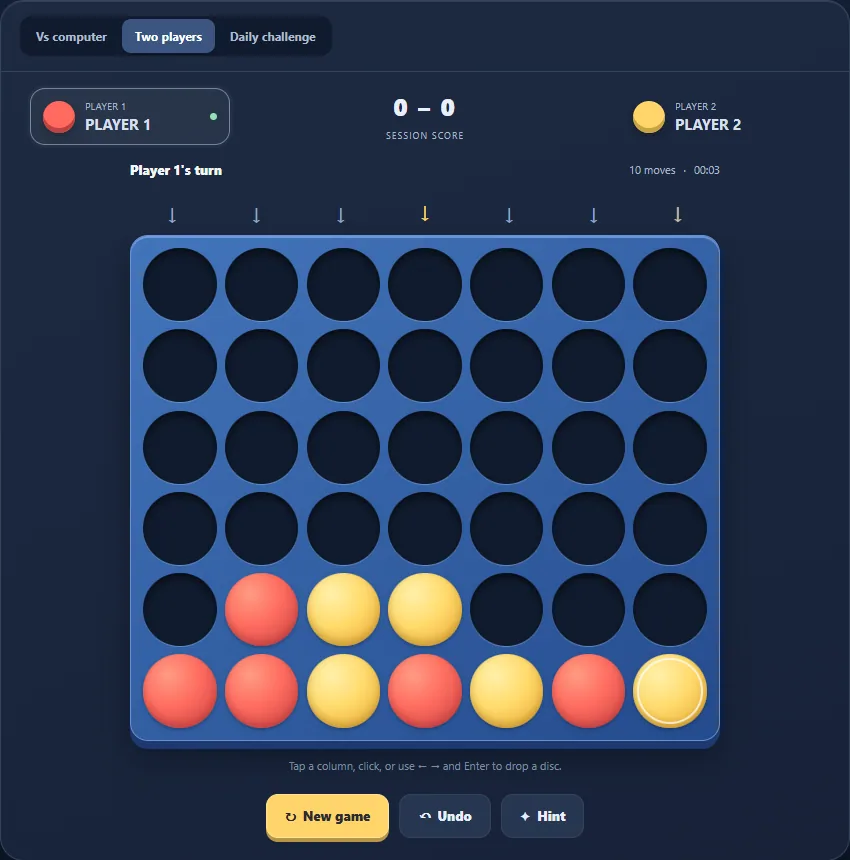
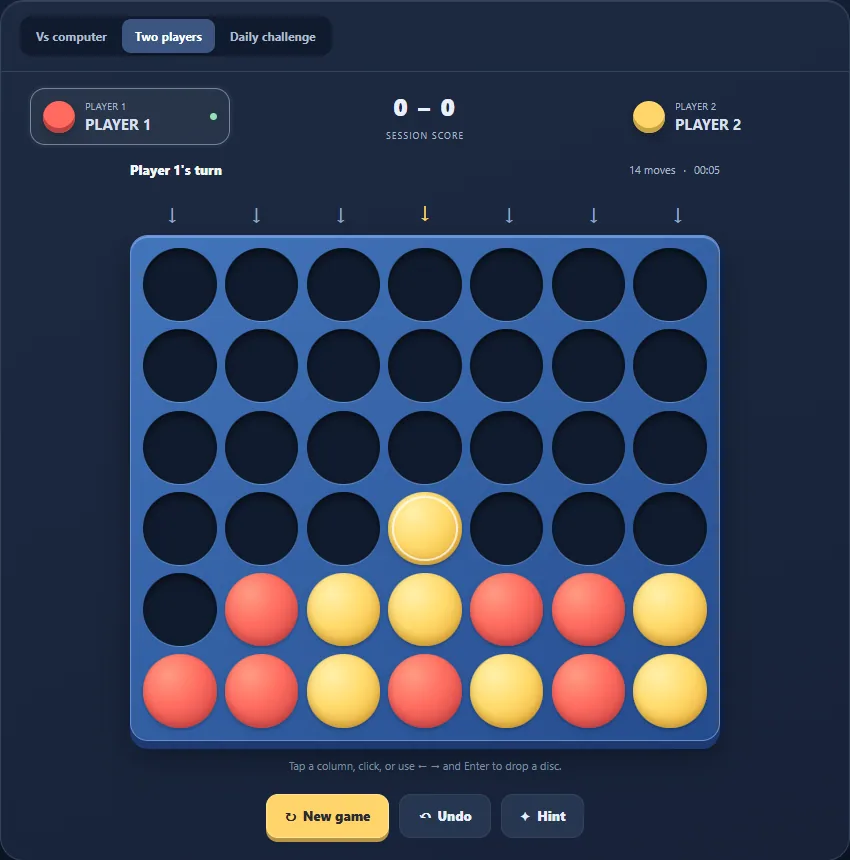
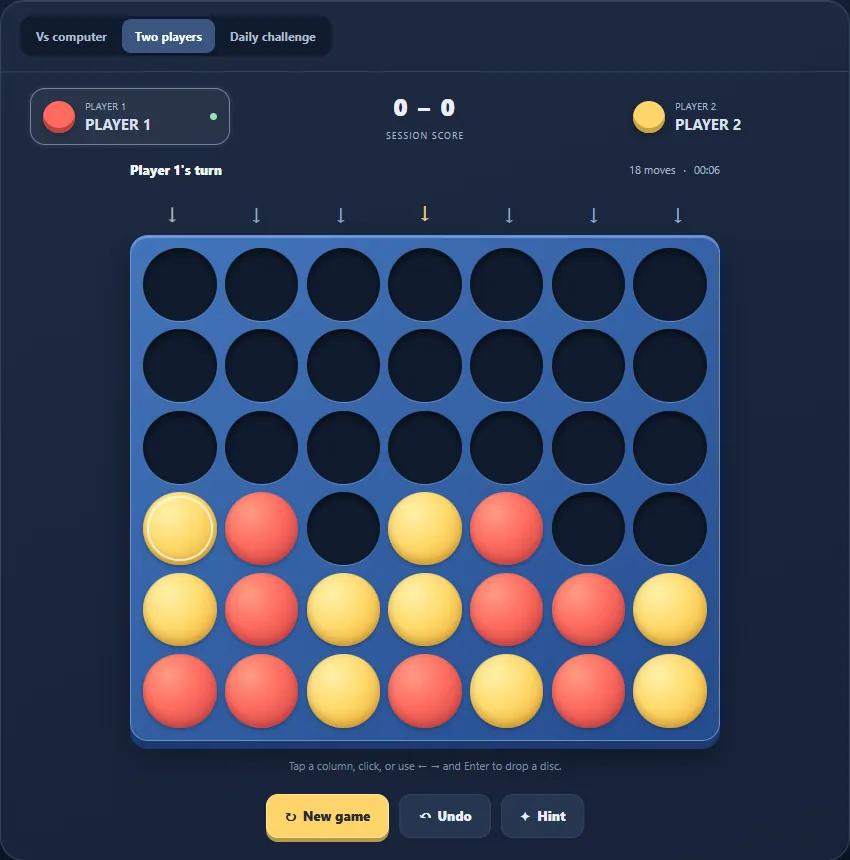
FEATURES
- Computer opponent
- Local two player mode
- Daily challenge and local saves
CONTROLS
- Click or tap a column to drop a disc
- Use arrow keys and Enter to play by keyboard
- Choose computer, two player, or daily mode