

Play free Klondike Solitaire online
Created by Zarocer
Released
- Developer
- Zarocer
- Genre
- Card Games
- Version
- 1.2.0
- Published
- October 2, 2026
- Last updated
- October 2, 2026
- Game engine
- HTML5
Settle in for one more hand.
About Lúmina Solitaire
Play a polished Klondike card game with one or three card draws, an easy to read table, and controls that feel natural on desktop or phone. Pick up a saved game, chase a daily deal, or simply enjoy a quiet round.
Explore category: Solitaire Games
How to play
Build each tableau column downward in alternating colours, then move cards to their suit foundations from ace through king. Draw from the stock when the table runs out of moves.
Tips for playing
- Look for moves that reveal a face-down card in the tableau before drawing again from the stock.
Questions about this game
What changes between drawing one and three cards?
Draw one advances through the stock a card at a time. Draw three shows a group, with only its top visible card available to play.
Turning over a card changes more than one column
In Klondike, exposing a face-down card creates information and new moves, so it can be more valuable than sending a card to the foundation immediately.
Build tableau columns in alternating colours and do not empty one without a king to start it. Check this build’s controls and saving on the game page.
Compare solitaire variants →Game screenshots
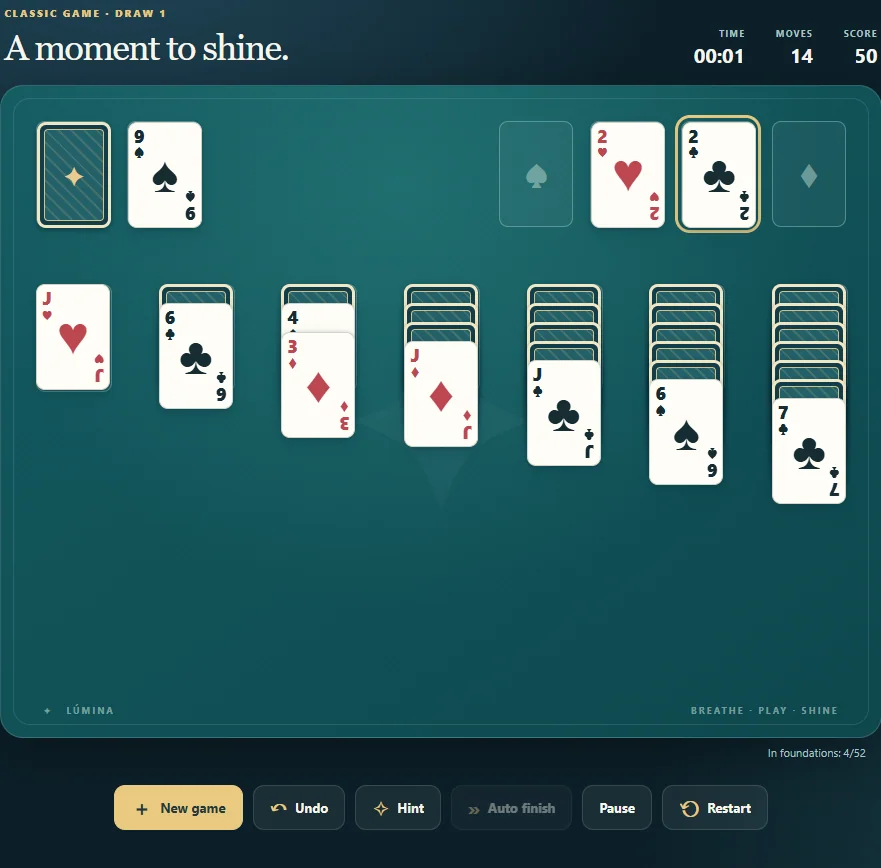
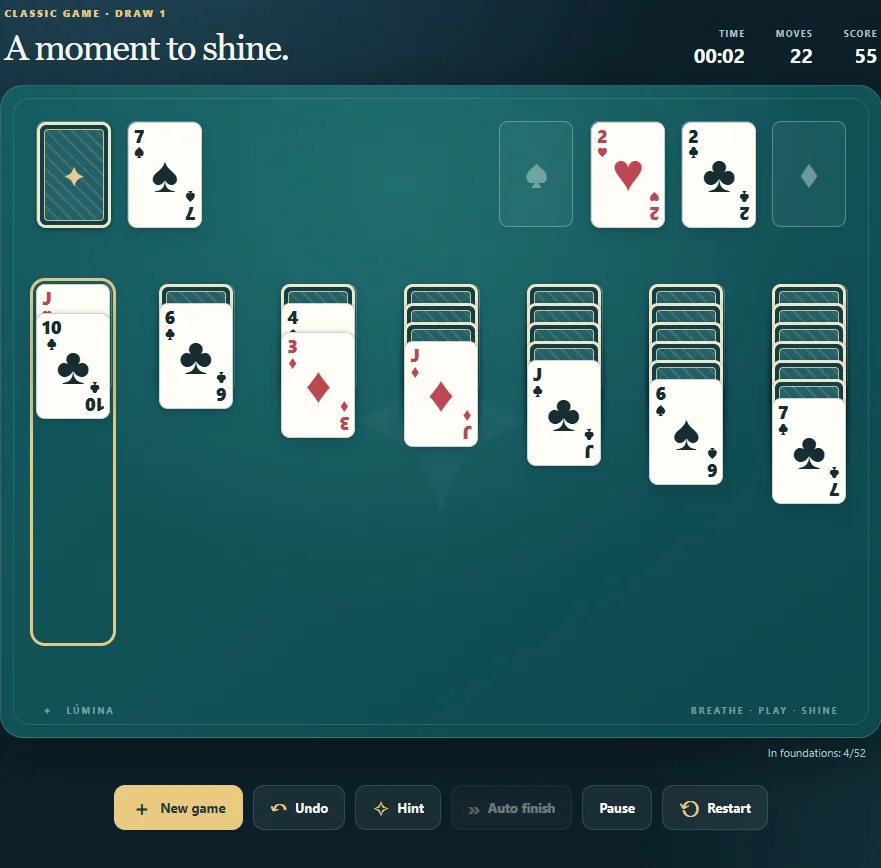
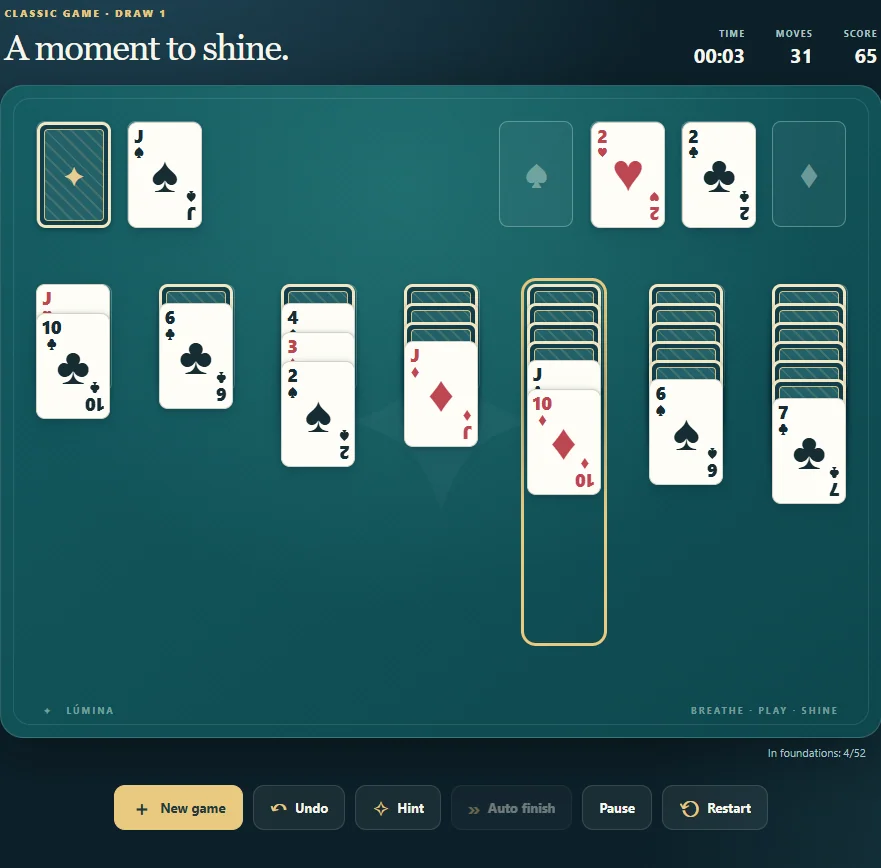
FEATURES
- One and three card Klondike
- Daily deal and local achievements
- Automatic saves and personal statistics
- Persistent pause and foundation progress
- Hints prioritize revealing cards
- Keyboard access to empty columns and confirmation before replacing a game
CONTROLS
- Click, tap, or drag cards to move them
- Double click a card to send it to a foundation when legal
- Keyboard: Tab, Enter or Space; N new game, Z undo, H hint