
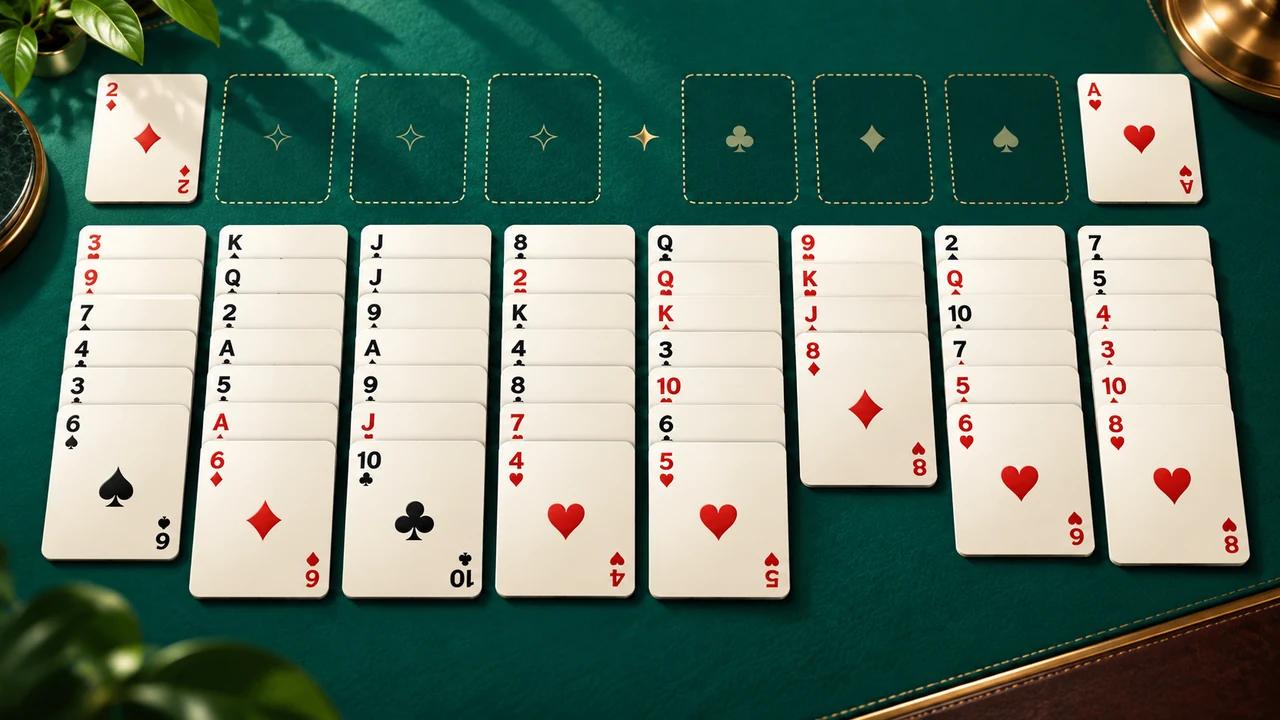
Play FreeCell online for free
Created by Zarocer
Released
- Developer
- Zarocer
- Genre
- Card Games
- Version
- 1.1.0
- Published
- October 2, 2026
- Last updated
- October 2, 2026
- Game engine
- HTML5
About FreeCell
A clean, modern take on FreeCell solitaire. Every card is visible from the start, so your choices drive the game. Play classic deals or the daily challenge, save progress, and return later.
Explore category: Solitaire Games
How to play
Select a card or ordered sequence, then choose its destination. Build tableau columns downward in alternating colors. Use free cells to hold one card temporarily and build each suit from Ace to King on its foundation.
Rules in this version
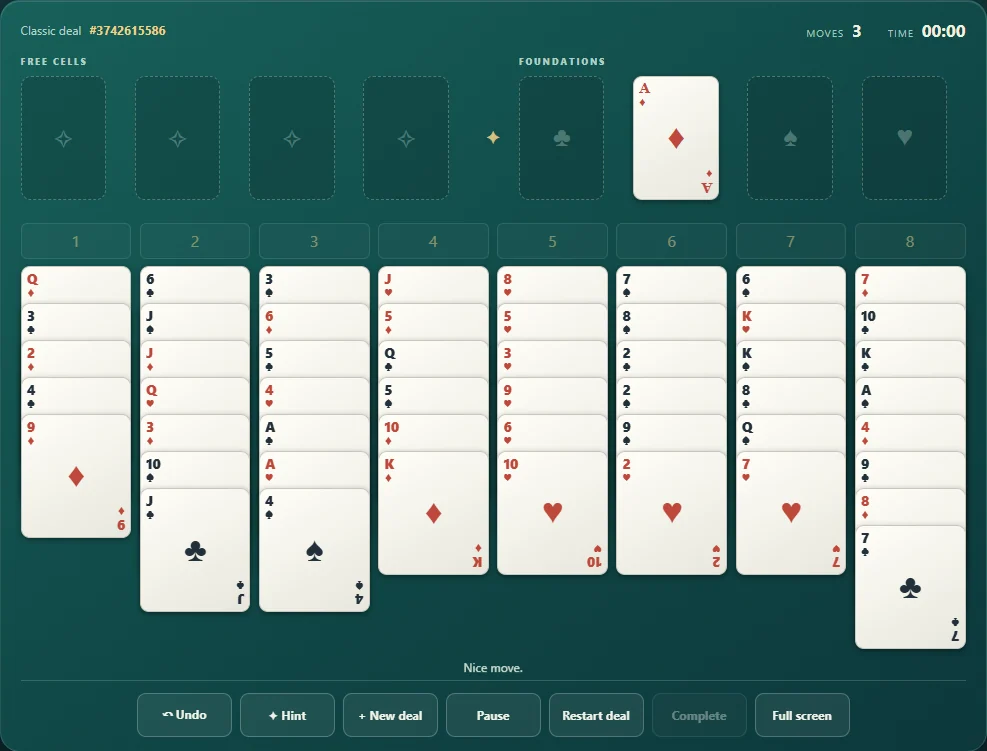
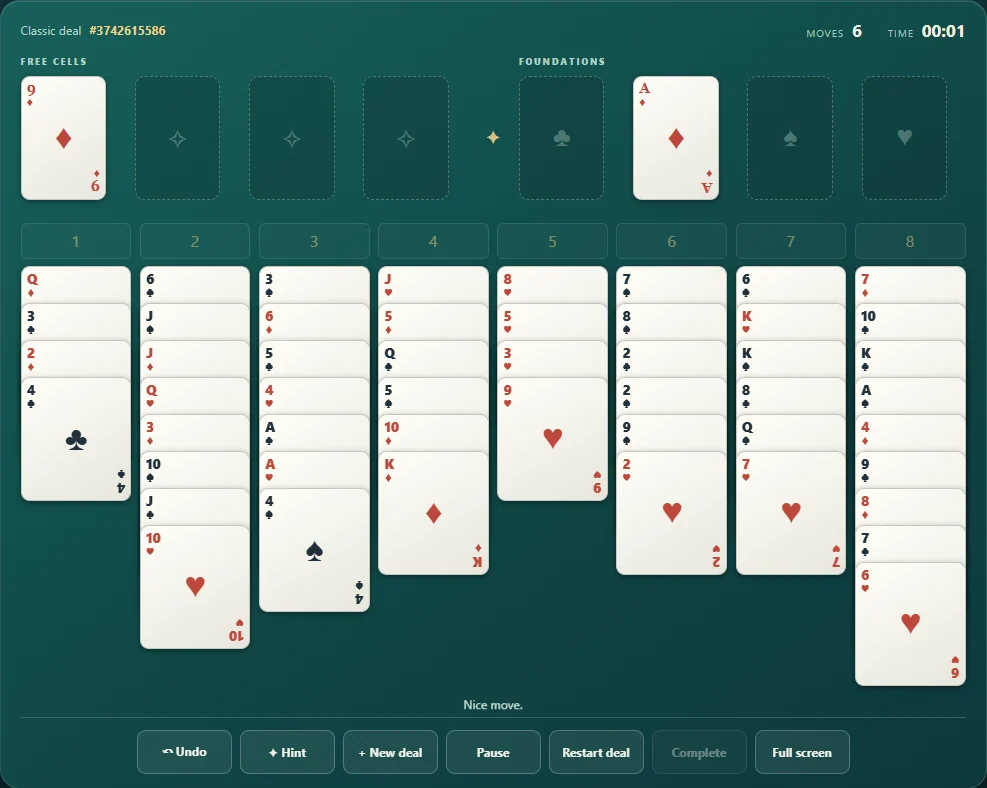
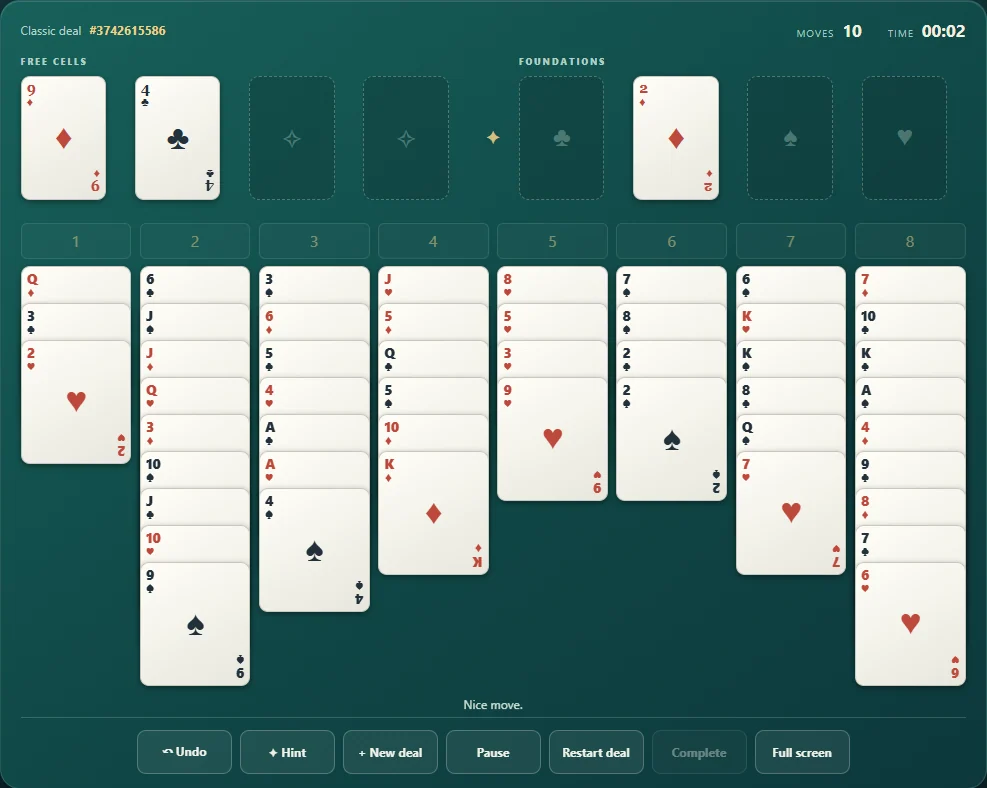
- All 52 cards are dealt face up into eight columns: four with seven cards and four with six. Four free cells hold one card each. Foundations build upward by suit from Ace to King. Tableau columns build downward in alternating red and black. A sequence can move only when the available space permits moving its cards individually; any card or valid sequence may enter an empty column.
Tips for playing
- Uncover Aces and low cards early.
- Keep a free cell open when possible.
- An empty column greatly increases your ability to rearrange cards.
Questions about this game
Can I undo a move?
Yes. Use the Undo button or press Z.
Is my game saved?
Yes, when local storage is available. Classic and Daily keep separate progress, and completed games remain saved too.
A free cell is reserve space, not a discard pile
Each free cell holds one card and reduces your room for moving sequences. Use one to unlock a column or preserve a move, not merely to park the first awkward card.
Because the cards start face up, you can plan without guessing. Check which card you need next before filling every cell.
Compare planning and uncertainty in solitaire →Game screenshots
FEATURES
- Classic game
- Daily challenge
- Local save
- Separate Classic and Daily saves
- Pause, same-deal restart and legal finish assistance
- Completed results retained on reload
CONTROLS
- Select a card, then choose its destination
- Use Hint and Undo when you need help
- Tab and Enter/Space activate cards and destinations; P pauses