
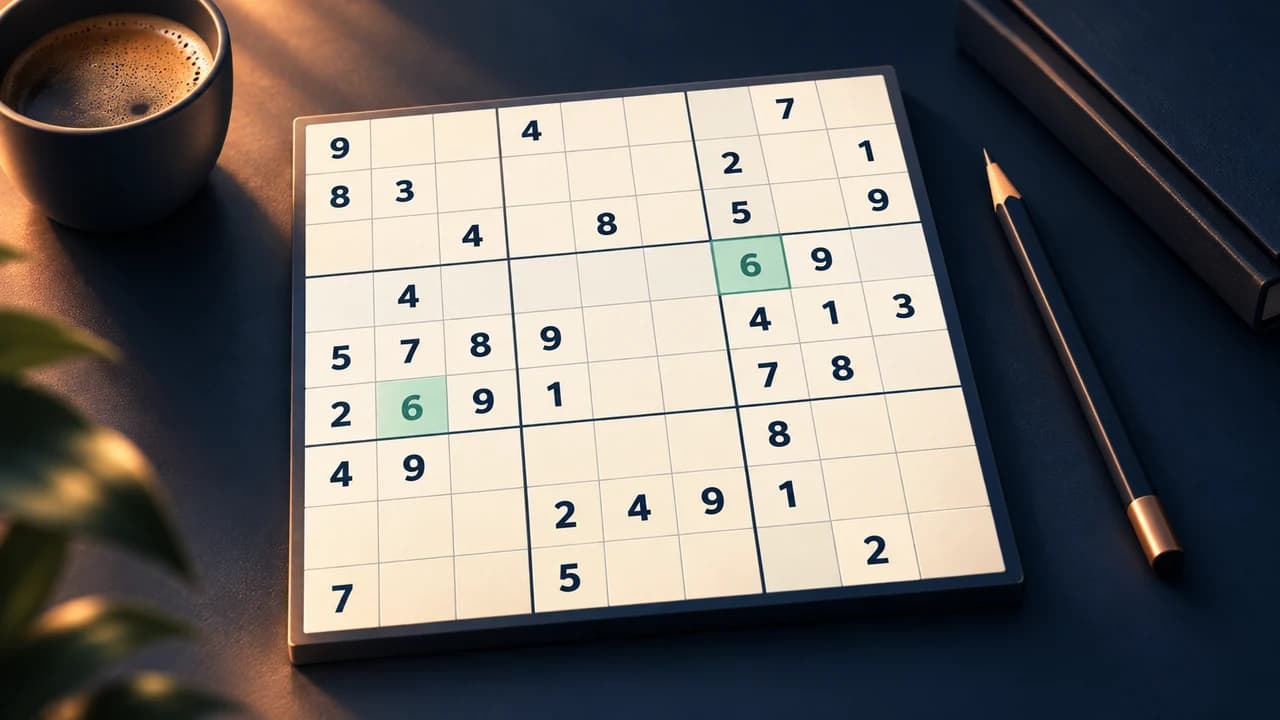
Play free Sudoku online
Created by Zarocer
Released
- Developer
- Zarocer
- Genre
- Puzzle
- Version
- 1.2.1
- Published
- October 2, 2026
- Last updated
- October 3, 2026
- Game engine
- HTML5
Nine numbers, all the time you need.
About Trazo 9 Sudoku
Settle into a Sudoku puzzle with four difficulty levels and uniquely solvable boards. Trazo 9 offers pencil notes, limited hints, error checks, undo and a daily challenge. Your current puzzle and statistics stay in this browser so you can return later.
Explore category: Logic Puzzle Games
How to play
Fill the 9×9 grid with digits 1 through 9. Each row, column and 3×3 box must contain each digit exactly once. Use notes to track candidates before committing a number.
Rules in this version
- Every row, column and 3×3 box must contain the digits 1 through 9 once.
- Starting clues are fixed; fill only the empty cells.
Tips for playing
- Before using a hint, note the candidates in one cell and check its row, column and box for exclusions.
Questions about this game
Can I use pencil notes?
Yes. Trazo 9 includes notes so you can mark candidates before committing to a number.
Every digit is ruled out by three areas
For one empty cell, compare its row, column and 3×3 box. If 6 is already in the row while 2 and 8 are in the box, none of those digits can go there. Keep eliminating candidates before making a guess.
A confirmed digit changes three areas at once. After placing one, revisit cells in its row, column and box: a candidate that was possible before may now be the only remaining choice.
Compare other number-clue puzzles →Game screenshots
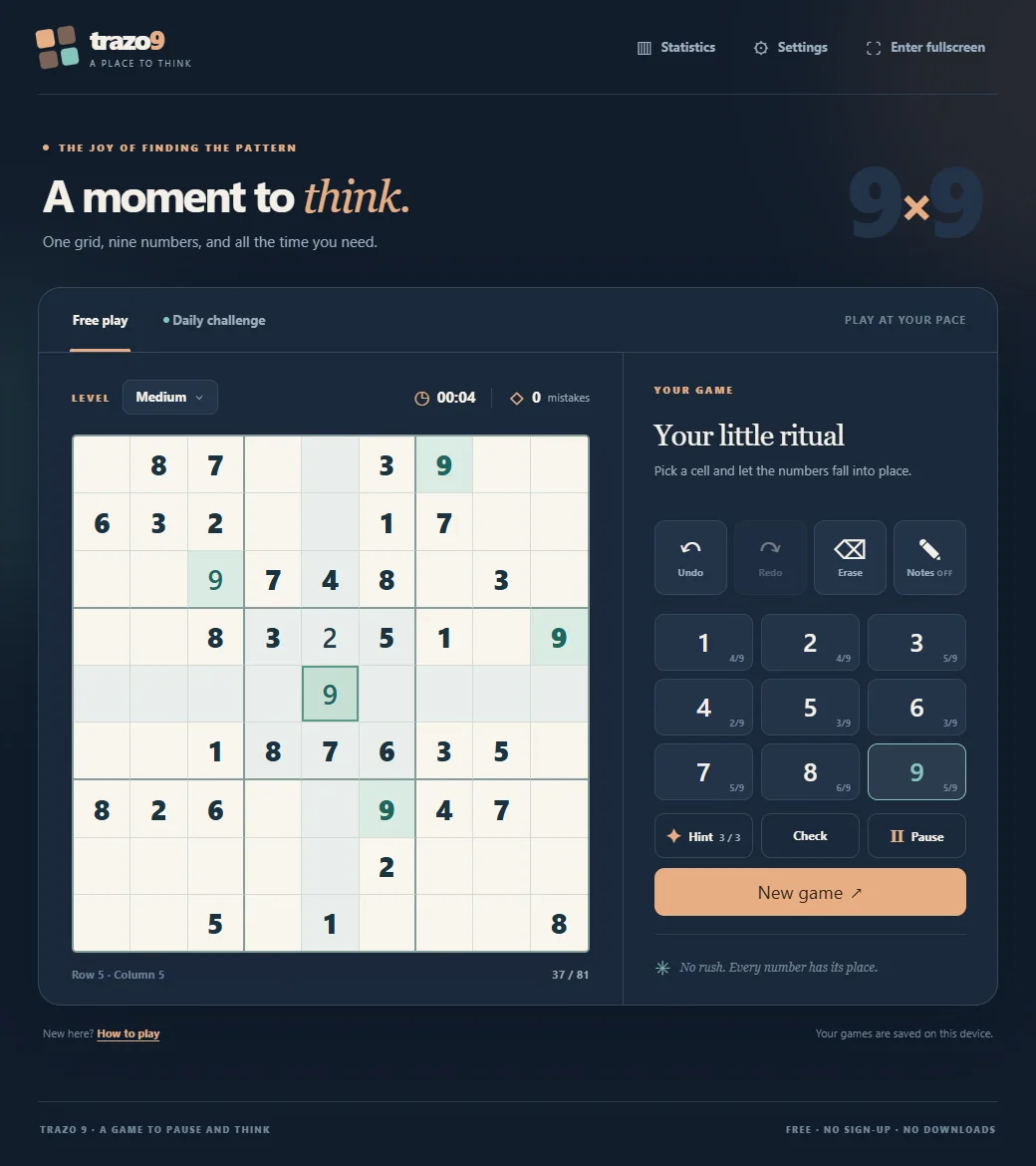
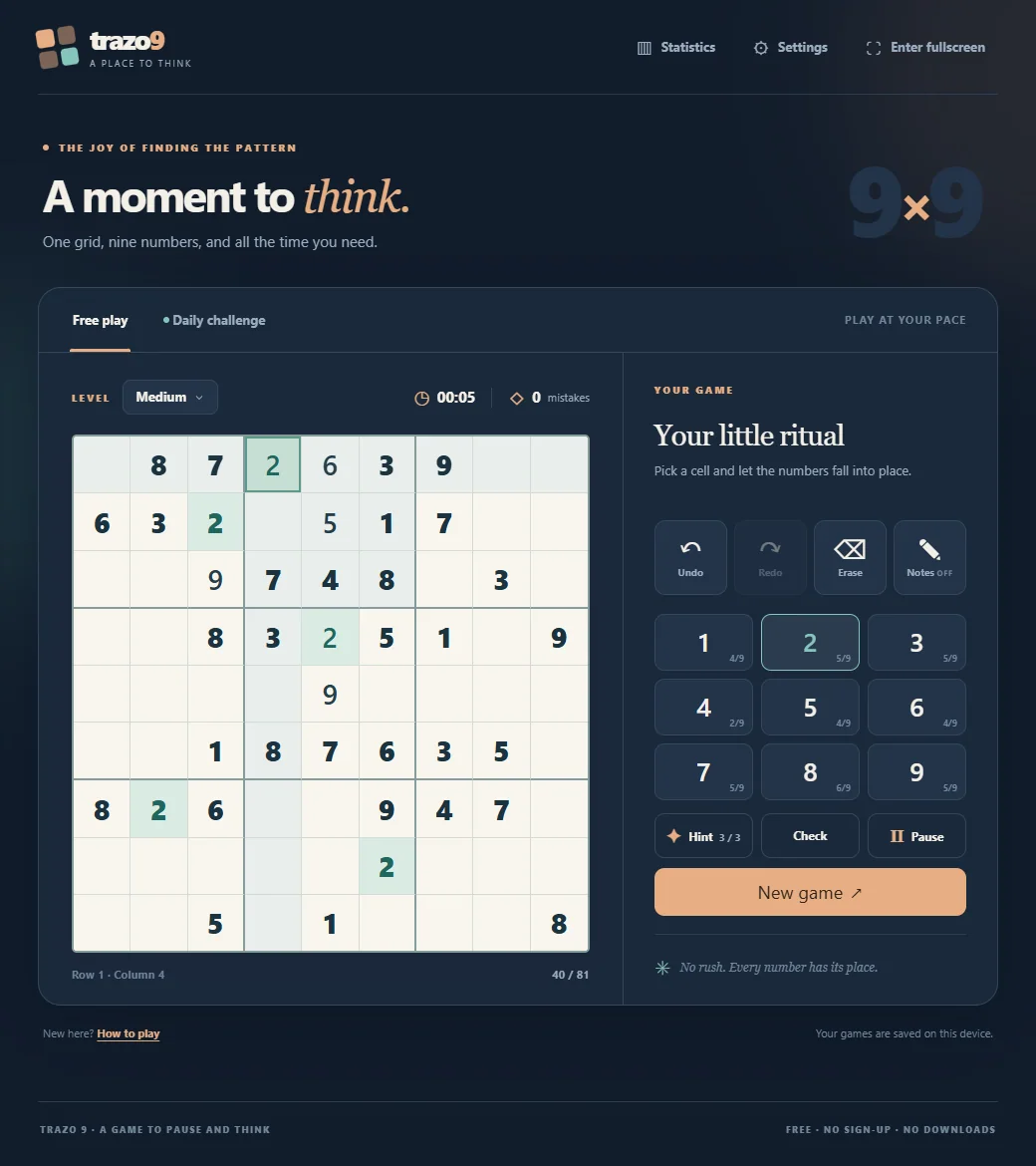
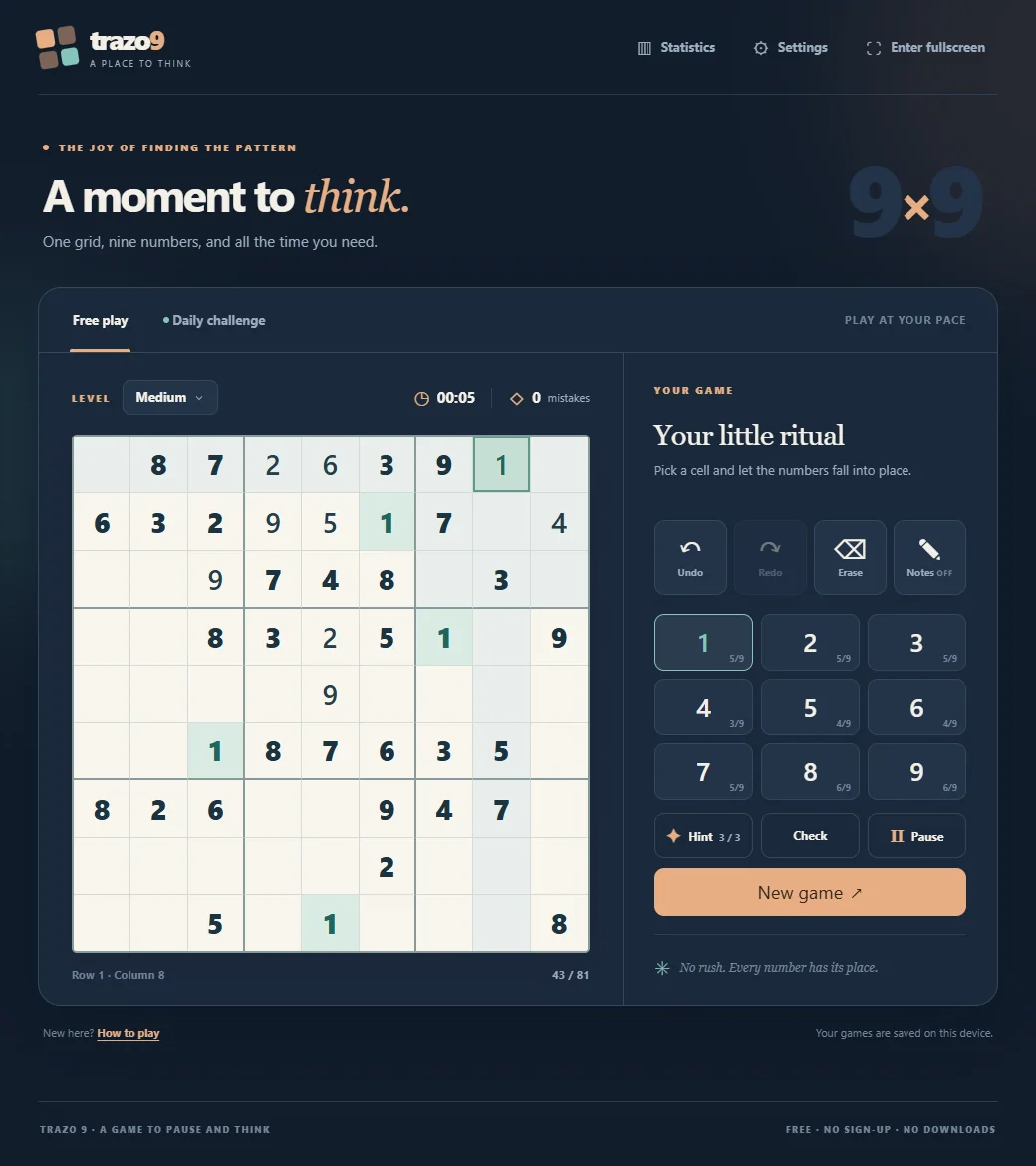
FEATURES
- Four difficulty levels
- Daily challenge and statistics
- Notes, hints and automatic saving
CONTROLS
- Select a cell and choose a digit from the number pad
- Keyboard: 1–9 to enter, arrow keys to move, N for notes
- Undo, erase, hints and pause are on the control panel