Play Sprouts online with two players
Created by Zarocer
Released
- Developer
- Zarocer
- Genre
- Strategy
- Version
- 1.1.0
- Published
- October 5, 2026
- Last updated
- October 5, 2026
- Game engine
- HTML5
Make the last legal stroke.
About Sprouts Paper
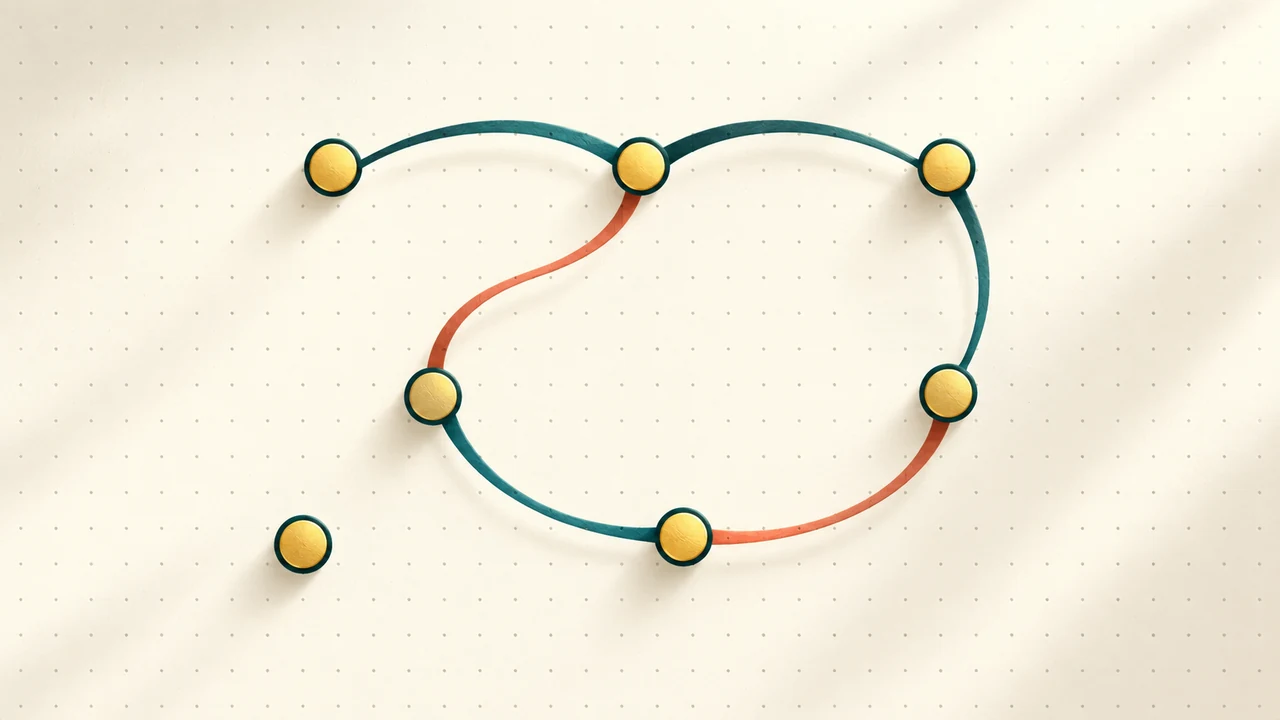
Sprouts is a drawing strategy game for two players sharing a device. Begin with three, four or five spots. Join two available spots, or loop a spot back to itself, without crossing curves or touching another spot. Each stroke adds a new spot, and no spot may have more than three connections. This Beta supplies endpoint hints, undo, local continuation and an enlarged board with a pan mode. Keyboard drawing is also available. It has no computer opponent, daily challenge or cloud-save adapter.
How to play
Choose Play and a starting spot count. Hold from an available spot, draw a clearly separated curve and release on an available endpoint. Small indicators show remaining connections. For a loop, return to your starting spot. The player making the last legal move wins.
Rules in this version
- Join available spots, or draw a loop from one spot back to itself.
- Do not cross your stroke, another curve, another spot or the paper boundary. Leave visible clearance between curves.
- A spot may have at most three connections. A loop uses two at its starting spot.
- Each stroke creates a new spot with two connections already used. A player with no legal move loses.
Tips for playing
- Think in regions: available spots separated by a closed curve cannot reach each other.
- A hint does not supply a route. Enlarge the board when a narrow connection needs more precise drawing.
Questions about this game
Is there a computer opponent?
This Beta is a two-player game on one device. It does not include an AI opponent.
Can I undo after reloading?
Yes. Up to 30 stored moves remain available in unfinished matches. A completed match cannot be undone.
Game screenshots
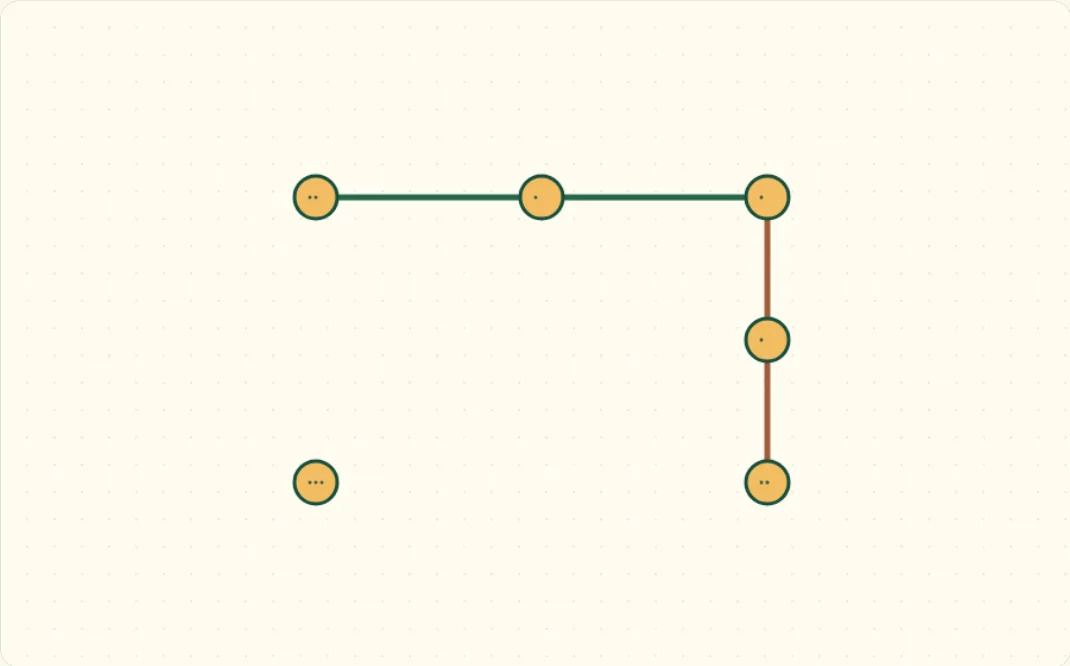
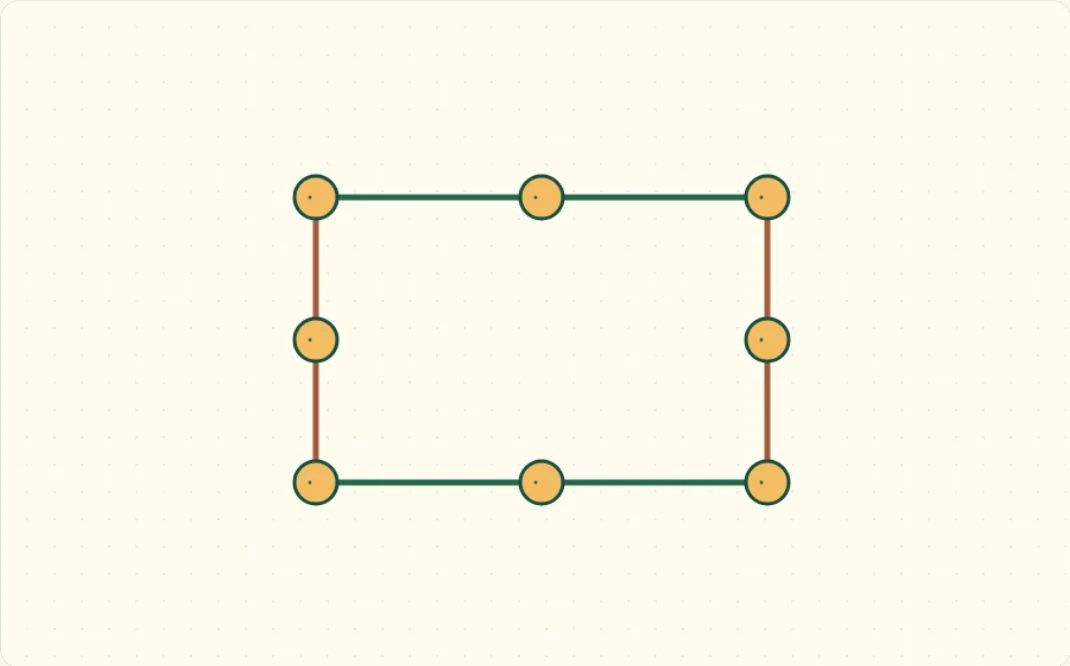
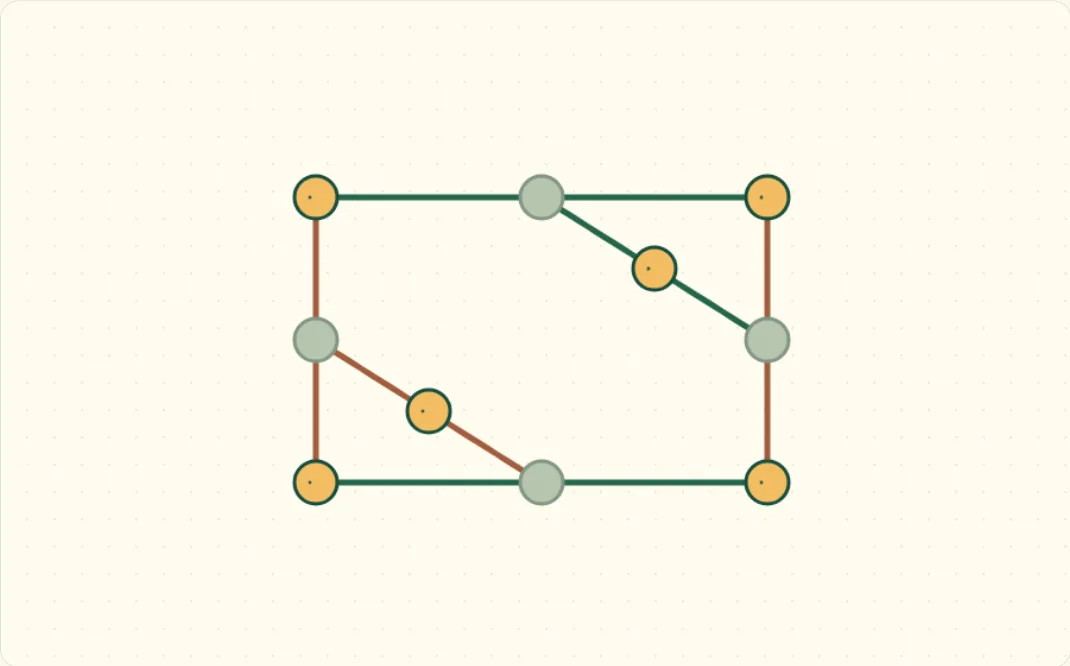
FEATURES
- Classic shared-device Sprouts with 3, 4 or 5 starting spots
- Endpoint hints, up to 30 undo moves and local continuation
- Keyboard drawing, an enlarged board and fullscreen
CONTROLS
- Mouse or touch: drag between free spots, or return to the same spot for a loop
- [ and ] select a spot; Enter starts or ends a stroke; arrows draw; Shift makes fine steps; Escape cancels
- Enlarge board for more space; switch between drawing and panning