Rail Switch: a train track connection puzzle
Created by Zarocer
Beta
- Developer
- Zarocer
- Genre
- Puzzle
- Version
- 1.0.1
- Published
- October 7, 2026
- Last updated
- October 7, 2026
- Game engine
- HTML5
Rotate railway tiles, connect the stations and send your train along the route.
About Rail Switch
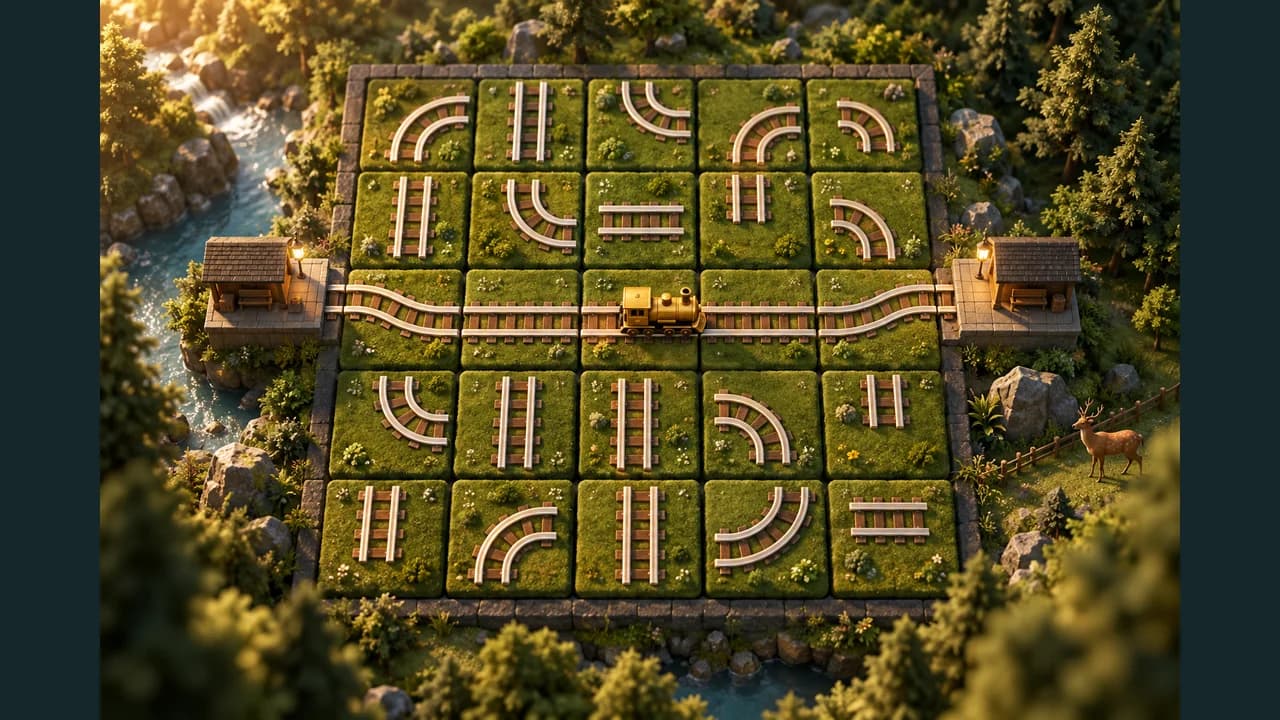
Build a working railway one turn at a time. Rail Switch gives you straight and curved track tiles to connect station A to station B. Extra rails can stay disconnected, and any continuous route that reaches the correct exit wins. Explore 18 campaign boards, then try the shared daily UTC challenge. Local saves let you pause and return later. Hints and undo make practice easier but remove ranking eligibility for that attempt. The records displayed in the game are stored on your device. Public leaderboards are not enabled yet. You can play with a mouse, touch controls or keyboard.
Explore category: Logic Puzzle Games
How to play
Click or tap a tile to rotate it clockwise. Connect A at the left entrance to B at the right exit. Select Send train to test the connection. Repair broken tracks; three failed dispatches end the journey. Use arrow keys to move focus and Enter or Space to rotate.
Game screenshots
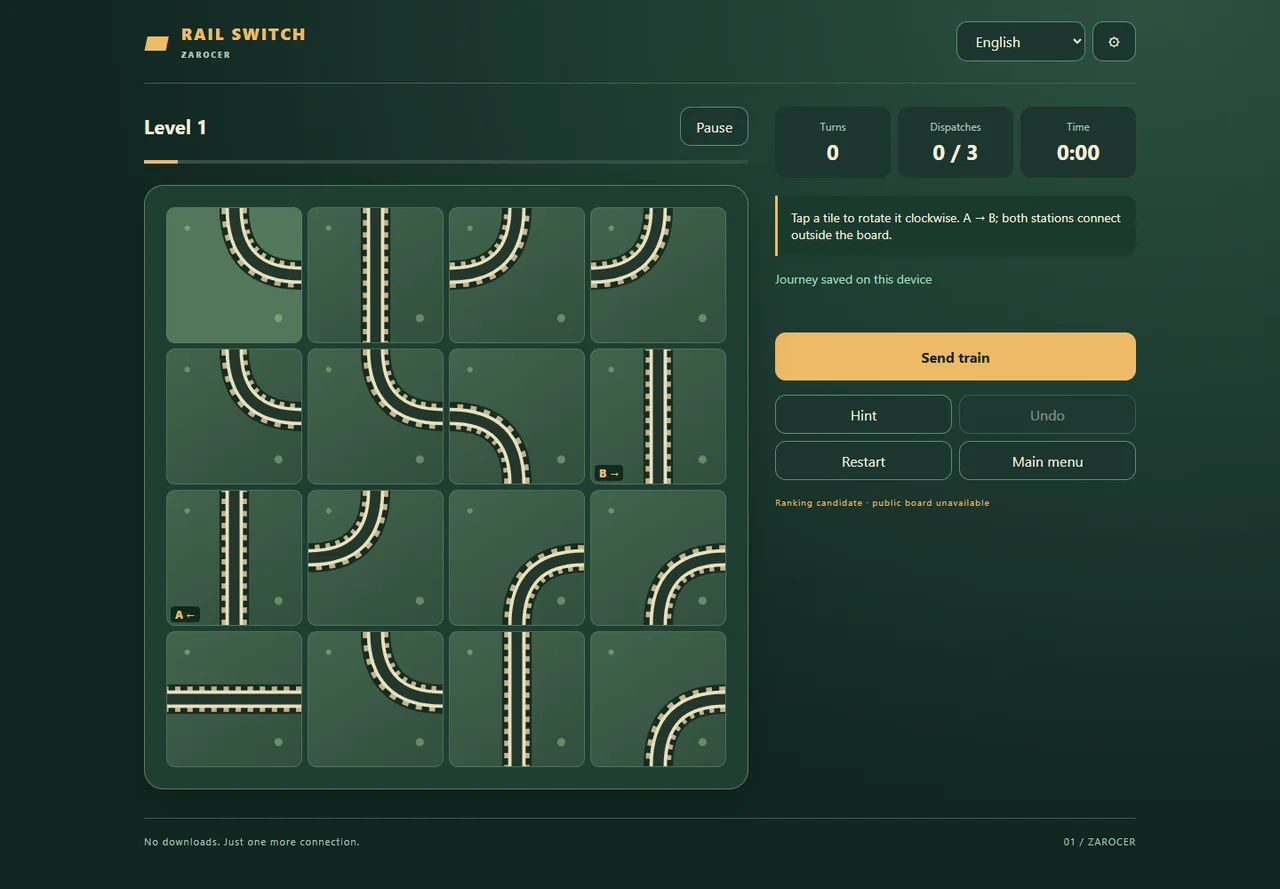
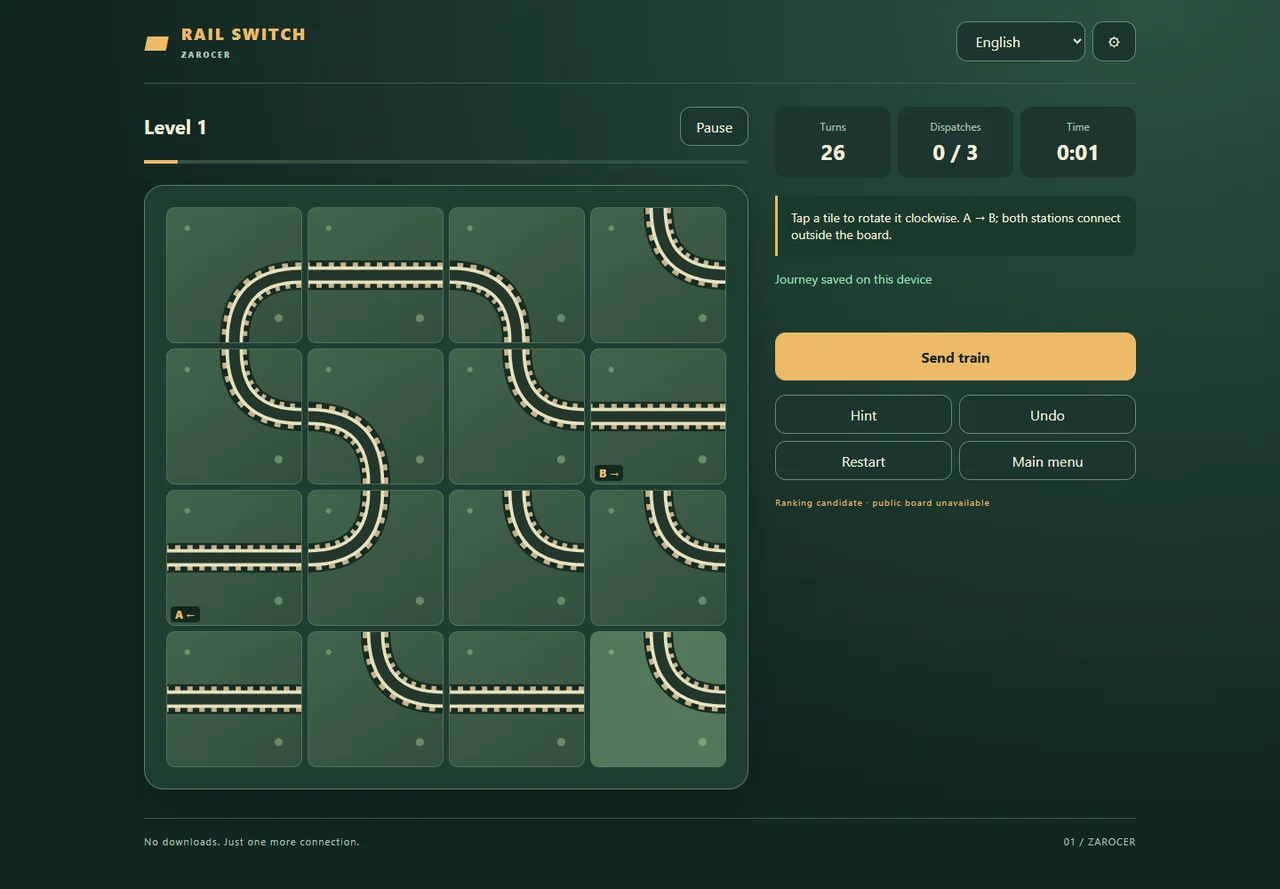
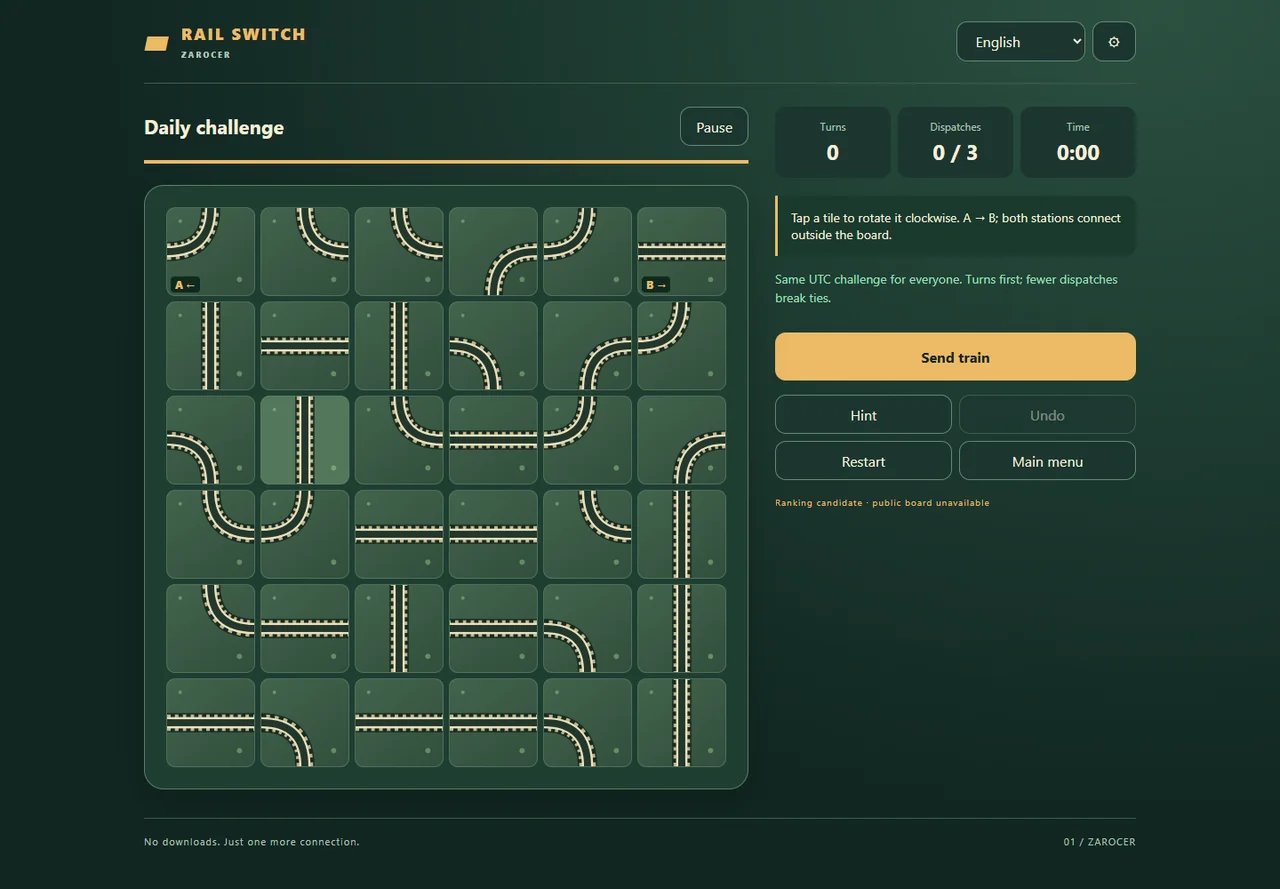
FEATURES
- Eighteen campaign boards
- UTC daily challenge
- Track rotation and three dispatches per game
- Hints and undo for practice
- Local saves and records
CONTROLS
- Click or tap a tile to rotate it clockwise.
- Connect A at the left entrance to B at the right exit.
- Select Send train to test the connection.
- Repair broken tracks; three failed dispatches end the journey.
- Use arrow keys to move focus and Enter or Space to rotate.