Play Mechanical Escape Room online
Created by Zarocer
Released
- Developer
- Zarocer
- Genre
- Puzzle
- Version
- 1.2.0
- Published
- October 8, 2026
- Last updated
- October 11, 2026
- Game engine
- HTML5
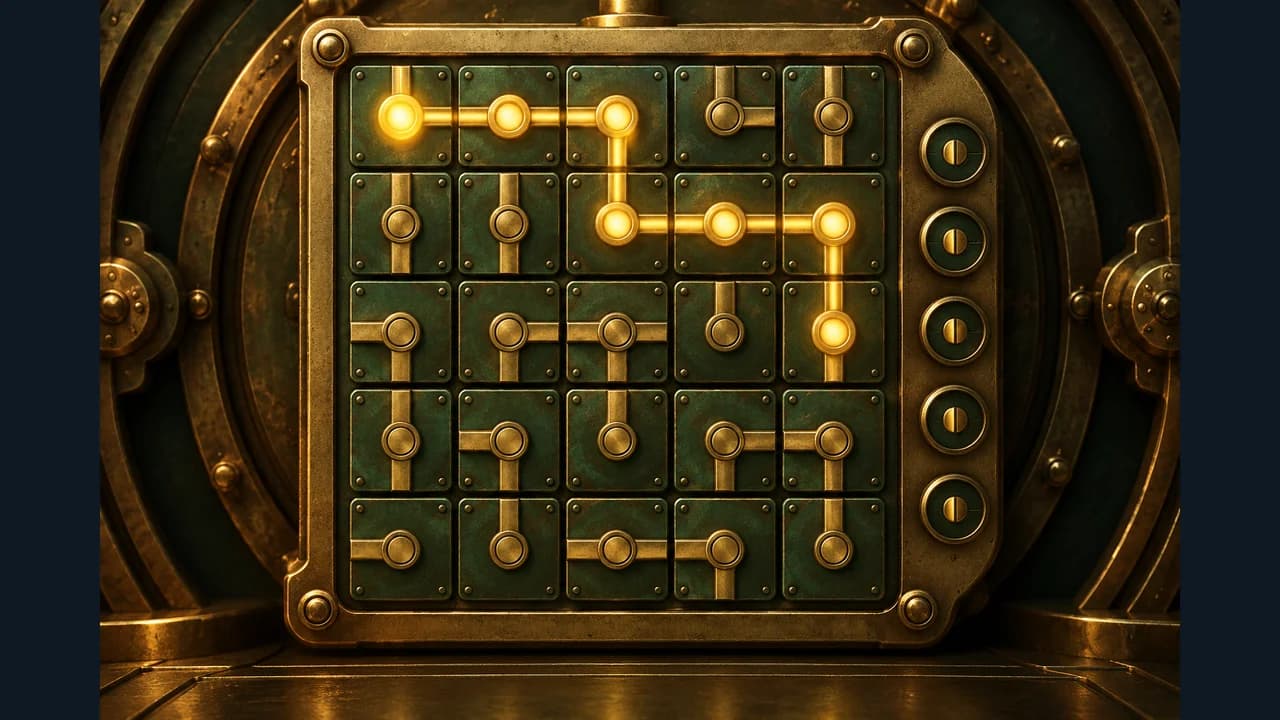
Restore the brass circuits, release five locks and find your way out of a mechanical vault.
About Mechanical Escape Room
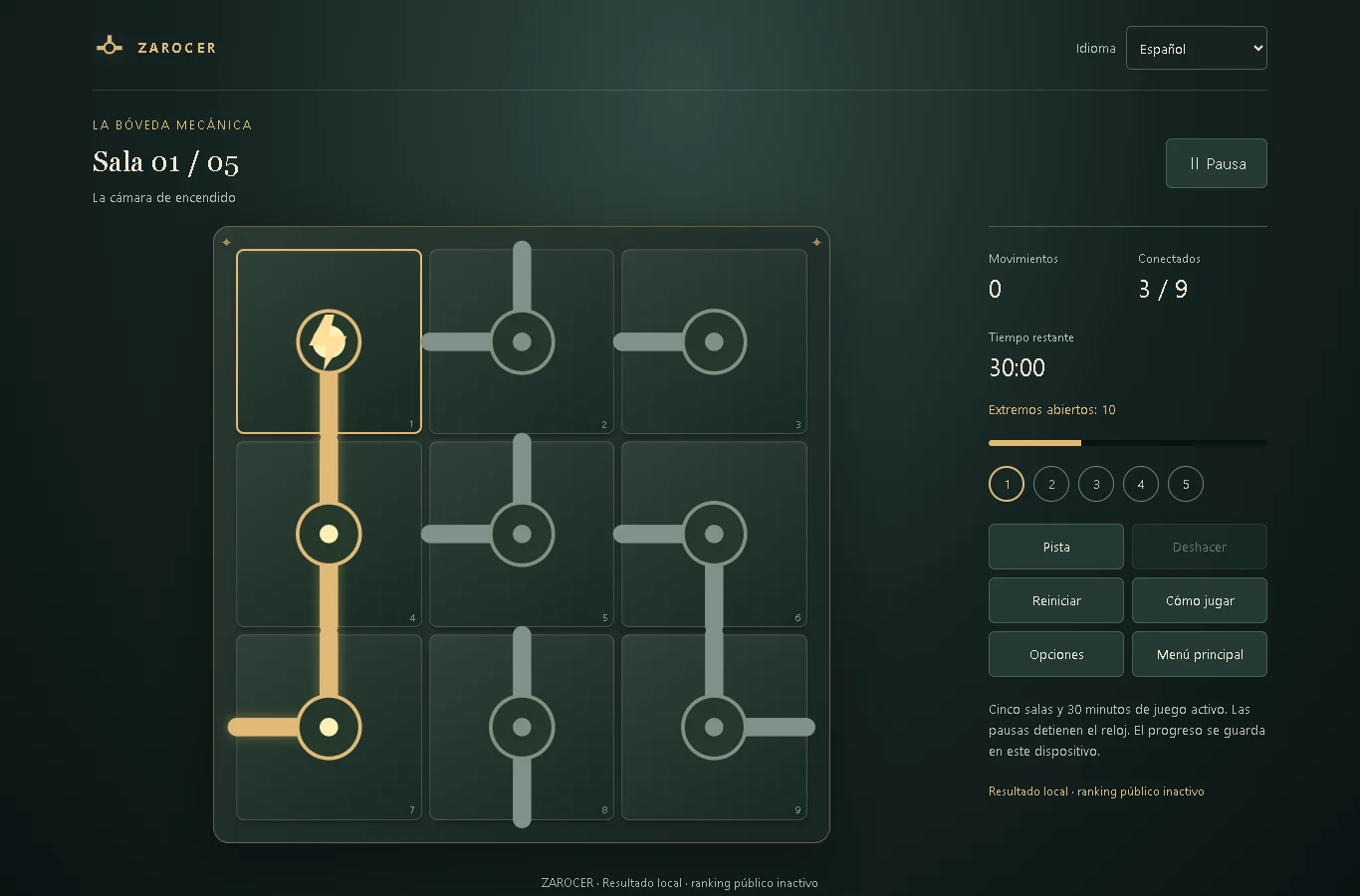
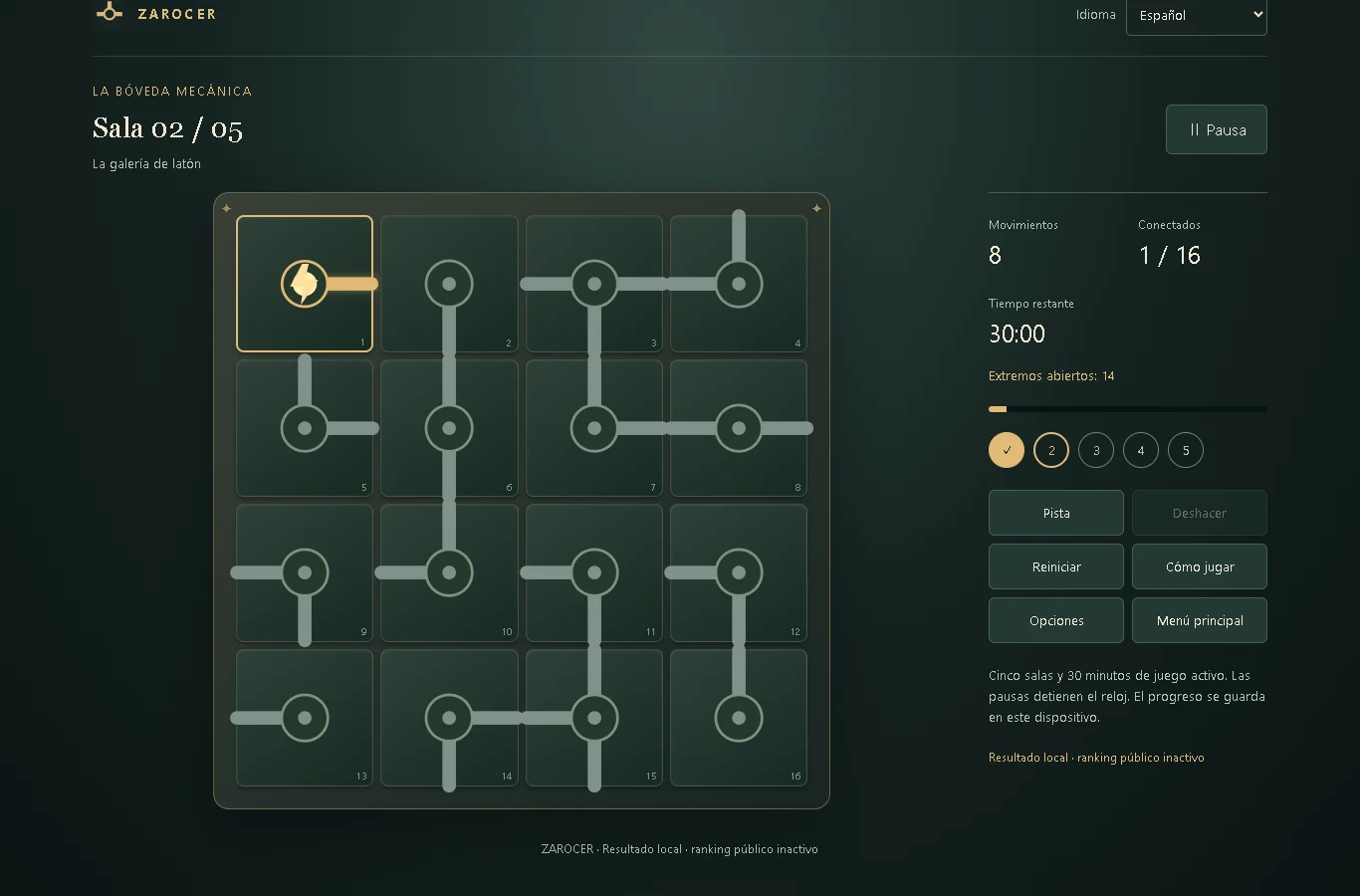
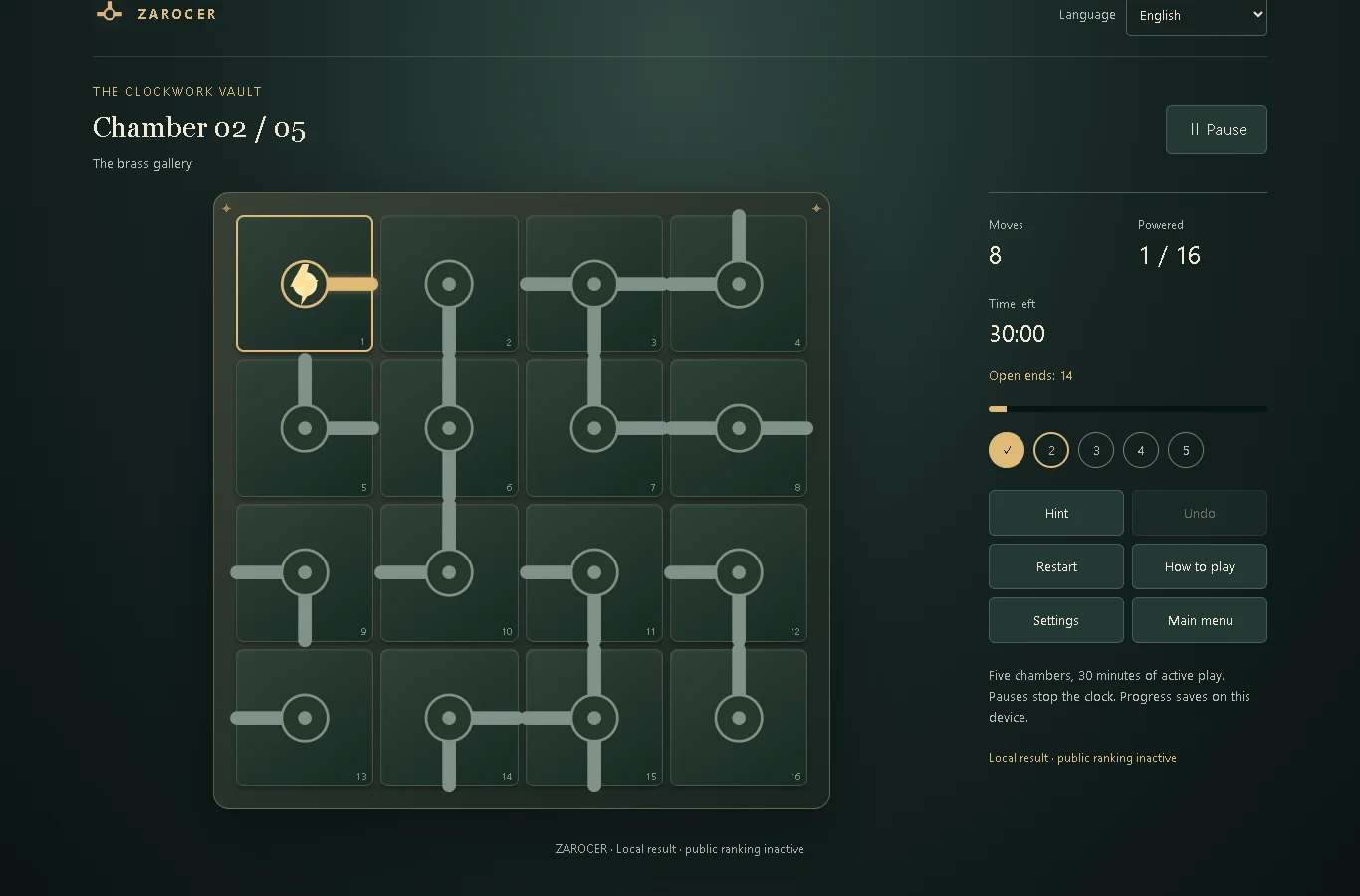
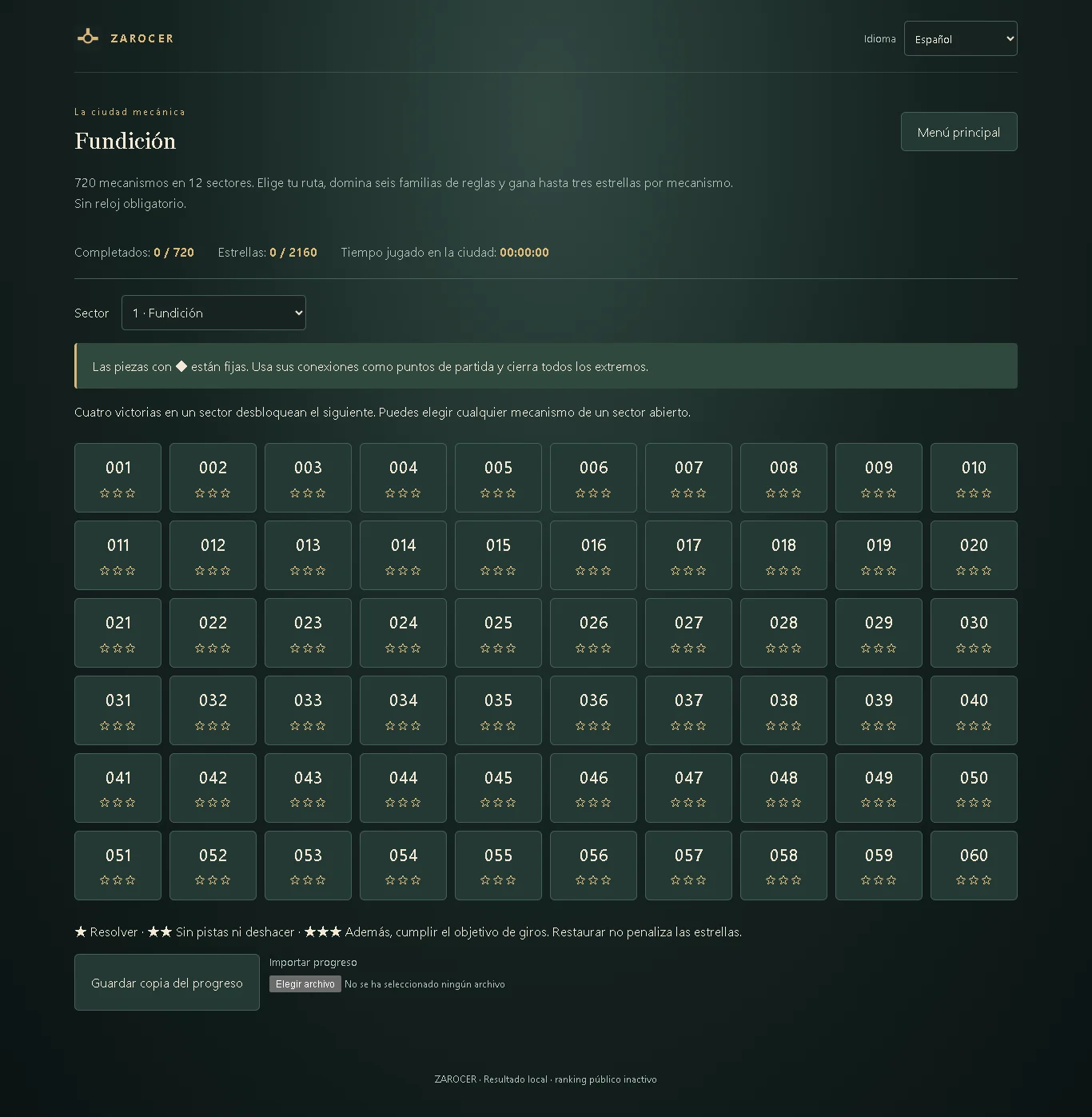
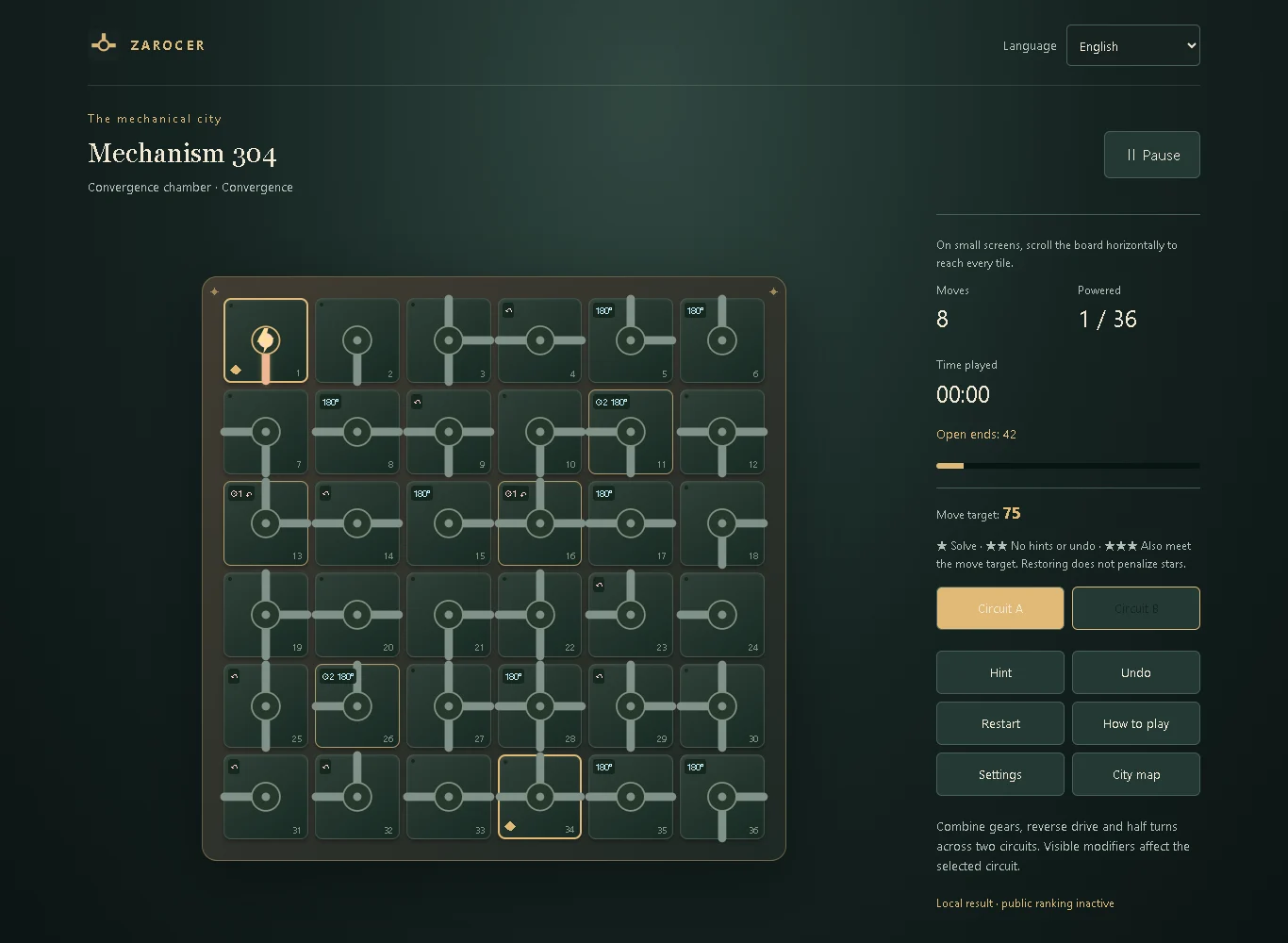
Five locks stand between you and the exit. In Mechanical Escape Room, each tile holds part of a circuit that you rebuild by rotating its connections. Power begins in the upper left and travels through matching connectors. To open a lock, every tile must receive power and every connection must meet another connection. The campaign starts with a 3 × 3 board and progresses to 5 × 5 mechanisms. You have thirty minutes of active play to complete five chambers, with pauses available when you want to study the circuit. The daily mode offers a new shared board for each UTC date and an eight-minute limit that includes pauses. Hints and undo are available whenever you need help. Records save on this device. Using assistance or restoring a game preserves local progress while excluding the competitive candidate. Public leaderboards are not yet active. The Mechanical City adds 720 mechanisms alongside the classic five-room vault.
Explore category: Logic Puzzle Games
How to play
Click or tap a tile to rotate it clockwise. Follow the circuit from the glowing source in the upper left. Power every tile and leave no open ends to release the lock. Then move to the next chamber. With a keyboard, select tiles with the arrows and rotate with Enter or Space; Escape pauses. Settings include eleven languages, sound volume and reduced motion.
Game screenshots
FEATURES
- The Mechanical City adds 720 mechanisms alongside the classic five-room vault.
- Local saves and records
- Eleven in-game languages
- UTC daily challenge
CONTROLS
- Click or tap a tile to rotate it clockwise. Follow the circuit from the glowing source in the upper left. Power every tile and leave no open ends to release the lock. Then move to the next chamber. With a keyboard, select tiles with the arrows and rotate with Enter or Space; Escape pauses. Settings include eleven languages, sound volume and reduced motion.