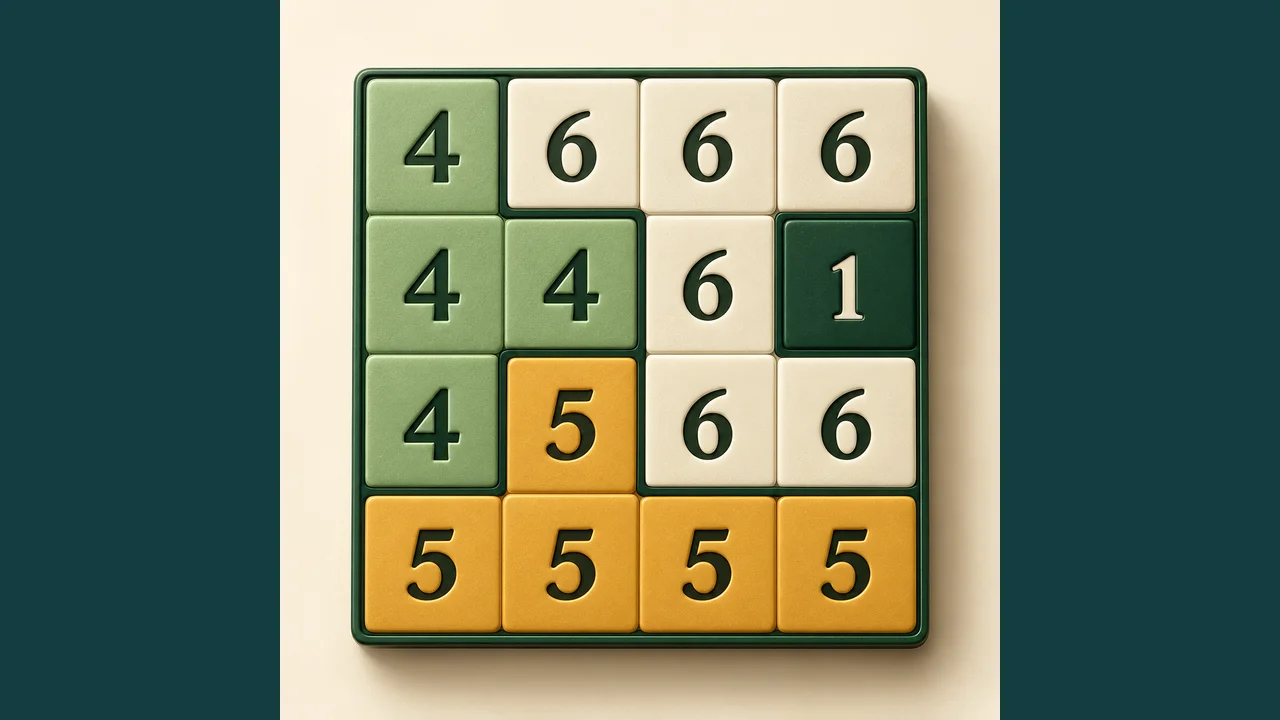
Diagonals: Online Slant Puzzle
Created by Zarocer
Beta
- Developer
- Zarocer
- Genre
- Puzzle
- Version
- 1.0.0-rc.2
- Published
- October 7, 2026
- Last updated
- October 7, 2026
- Game engine
- HTML5
Find the direction of every diagonal in a calm puzzle of numbers and open paths.
About Diagonals
Diagonals gives you a quiet space to think. Fill each square with one slanted line, then make every numbered point match the number of diagonals touching it. There is one more rule: the lines must never form a closed loop. Start with the journey’s small 4 × 4 grids, move on to 6 × 6 puzzles and finish with intricate 8 × 8 boards. The 30 journey levels keep progress on your device. Free play lets you select a grid size and generates a fresh puzzle with exactly one solution. The daily challenge shares one 6 × 6 grid for each UTC date. Hints and undo support learning, while assisted and restored attempts are marked as local. Play with a mouse, keyboard or touch screen without an account or in-game advertising. Personal records stay in your browser; global ranking is not yet enabled.
Explore category: Logic Puzzle Games
How to play
Draw one diagonal / or \ in every square. Match each number to the exact number of lines touching that point. Never close a loop. Separate paths are allowed. Tap a square to cycle its contents or choose a drawing tool. Use arrow keys, /, \ and Delete for keyboard play. Complete the board. Using a hint marks the attempt as assisted.
Game screenshots
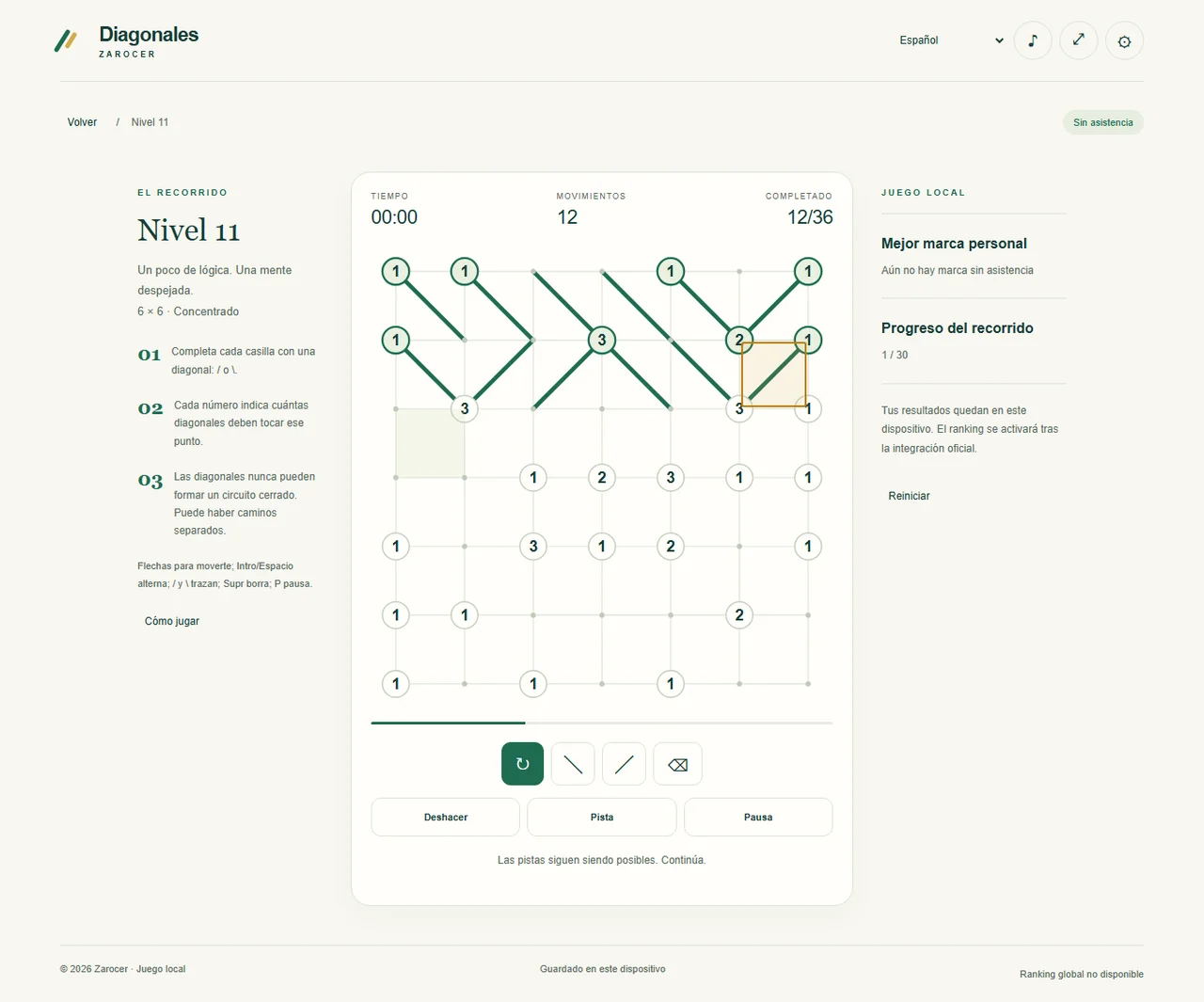
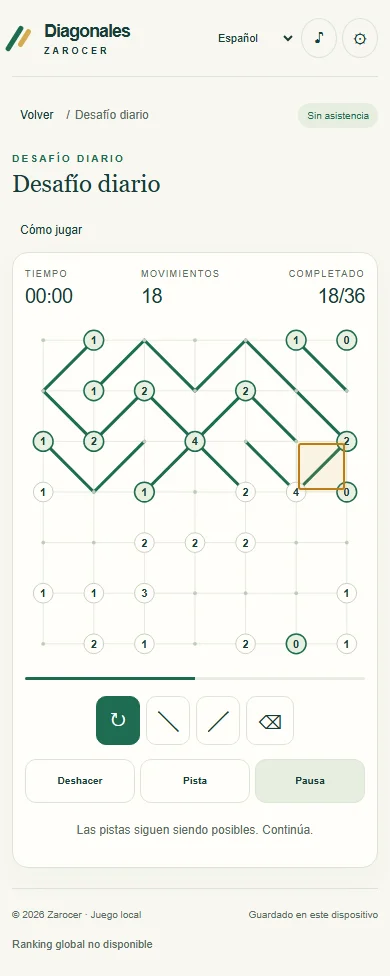

FEATURES
- Classic Slant rules
- 30 levels
- UTC daily and free play
- Hints, keyboard and local saves
CONTROLS
- Draw one diagonal / or \ in every square.
- Match each number to the exact number of lines touching that point.
- Never close a loop. Separate paths are allowed.
- Tap a square to cycle its contents or choose a drawing tool. Use arrow keys, /, \ and Delete for keyboard play.
- Complete the board. Using a hint marks the attempt as assisted.