Typing Speed Race
Created by Zarocer
Released
- Developer
- Zarocer
- Genre
- Puzzle
- Version
- 1.0.0
- Published
- October 8, 2026
- Last updated
- October 10, 2026
- Game engine
- HTML5
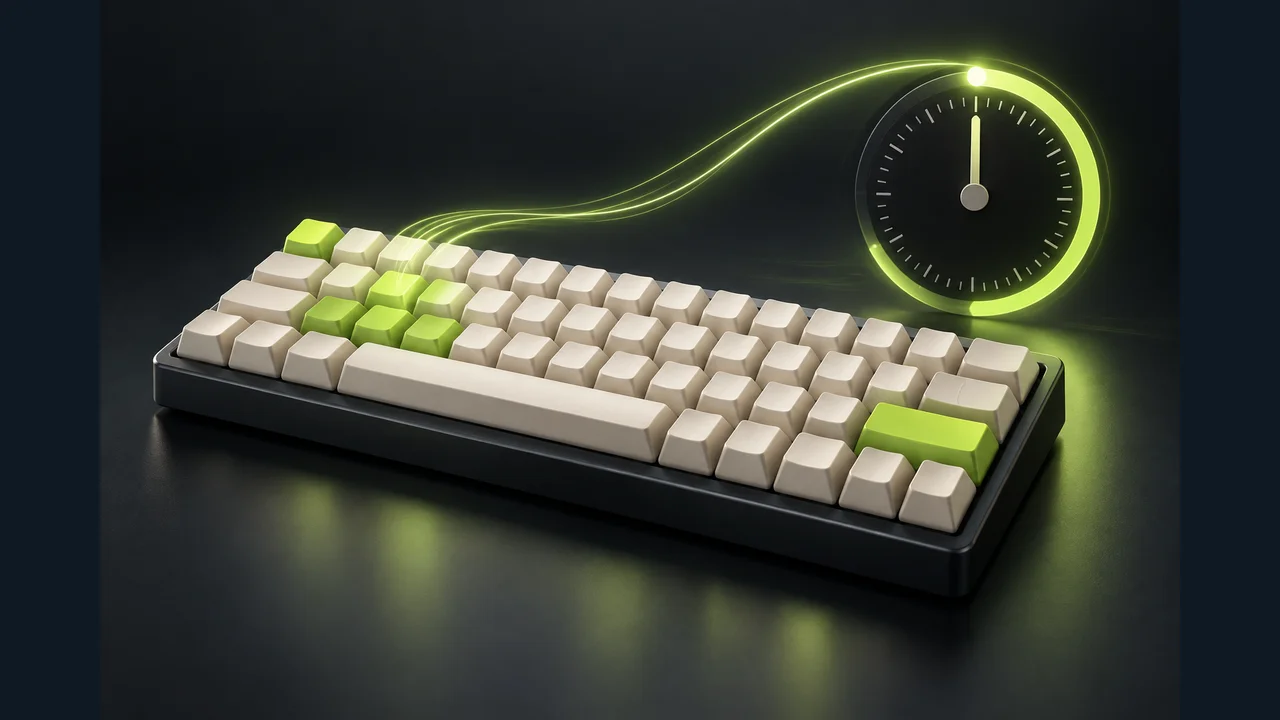
One minute to find your rhythm: type the highlighted character, avoid mistakes and beat your best score.
About Typing Speed Race
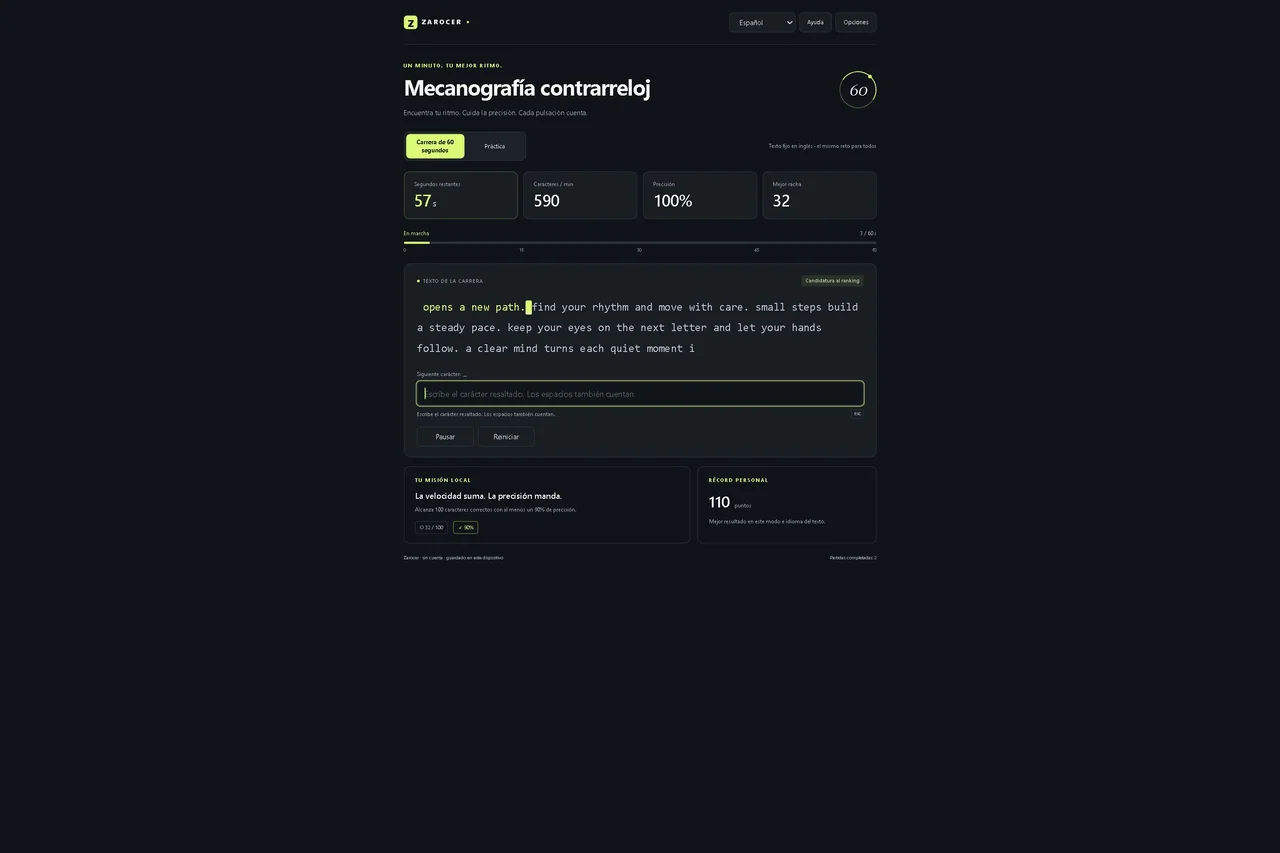
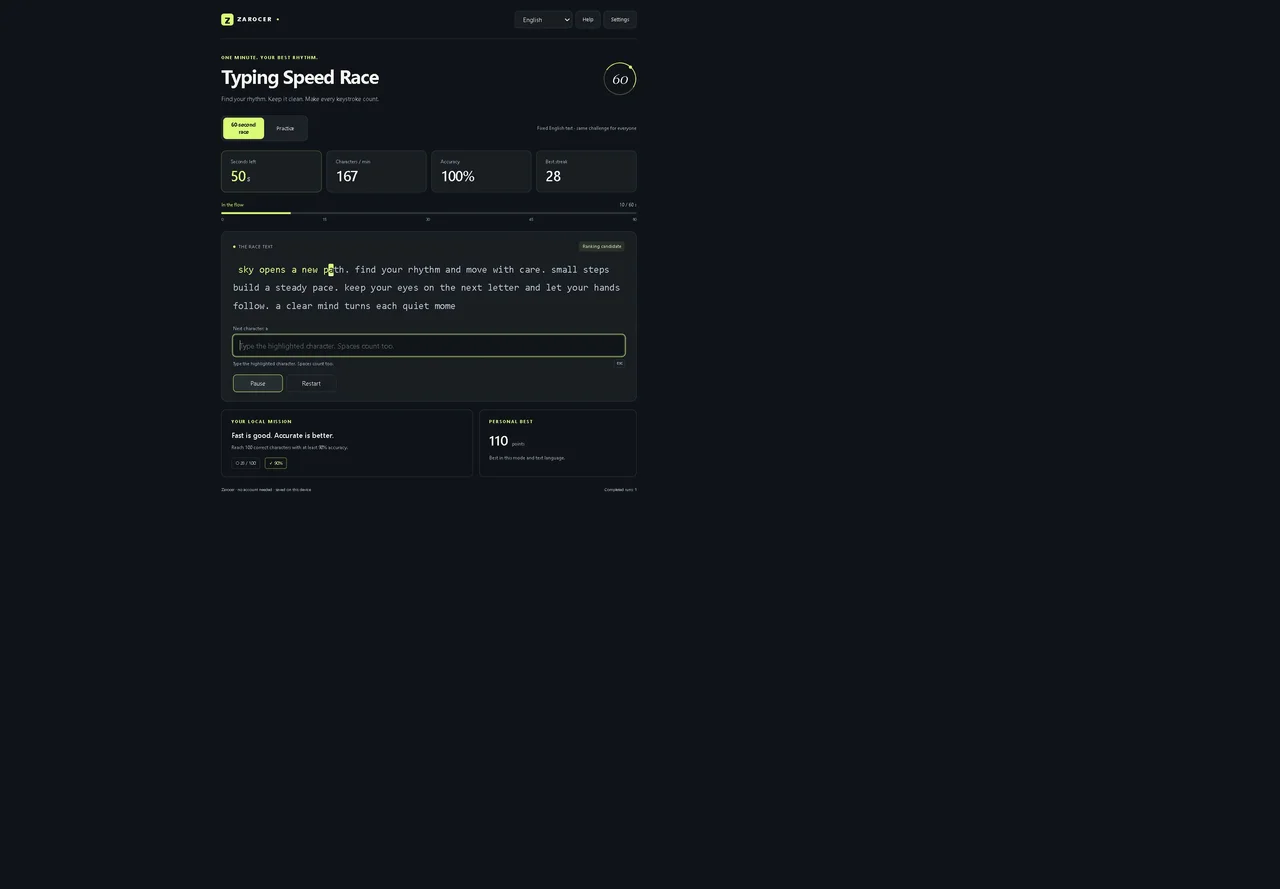
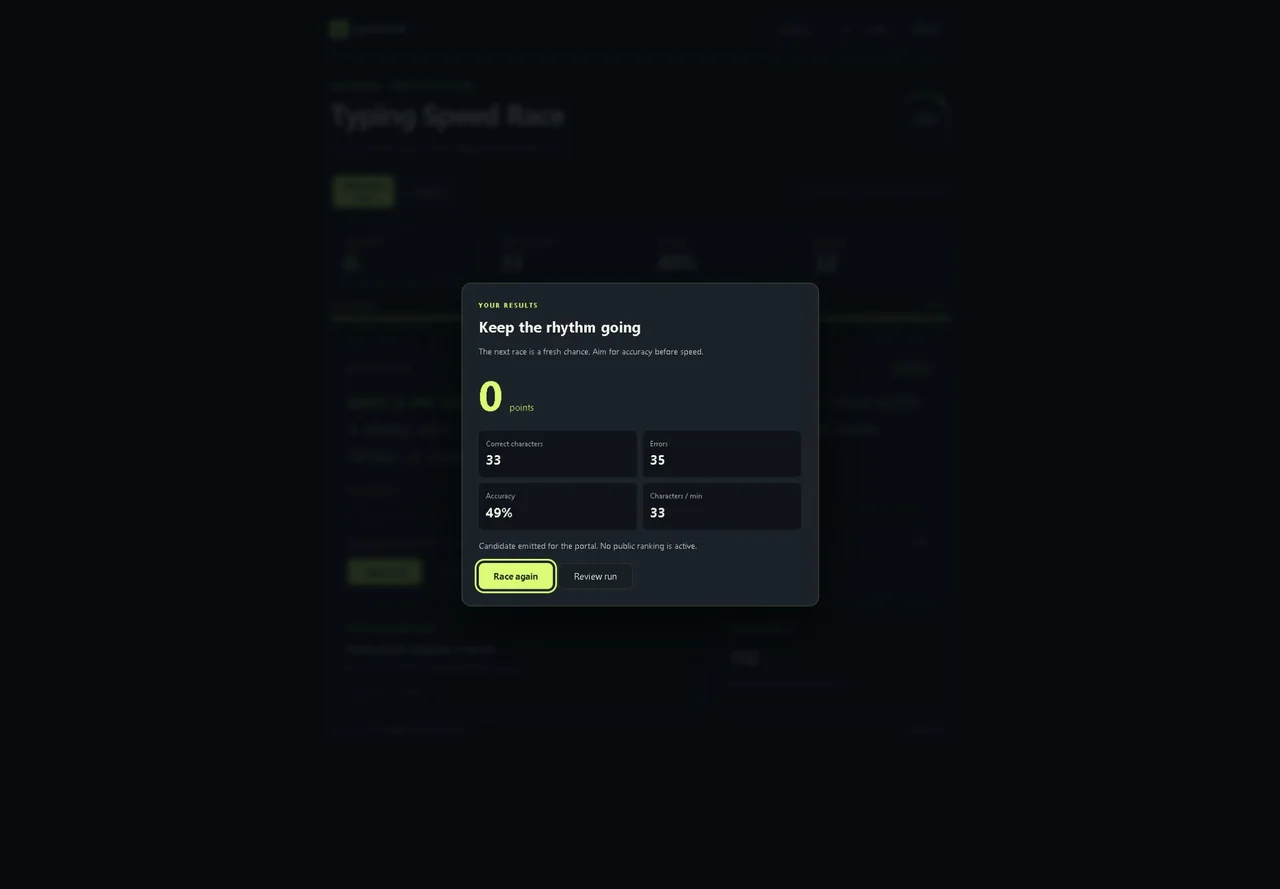
Typing Speed Race turns a short typing session into a focused challenge. The timer starts with your first input, giving you 60 seconds to work through the passage. Every correct character advances the text. A mistake breaks the streak and costs two points in the final score. Speed is shown in characters per minute, rather than words per minute. The race uses the same fixed English passage regardless of the interface language. Practice offers text in eleven languages, with separate local records for each text language. The local mission is to type 100 correct characters with at least 90% accuracy. Optional gentle sound effects, larger passage text and reduced motion help you adjust the experience. Settings, records and active games stay on the device where storage is available. Paused and restored attempts continue as local results.
Explore category: Puzzle Games
How to play
Choose Race or Practice, then press Start. Type the highlighted character, including spaces, accents and punctuation. Correct characters advance. Mistakes count but do not advance. Backspace does not undo attempts. Points equal correct characters minus twice the errors, with a minimum of zero. Aim for 100 correct characters and 90% accuracy. Escape pauses. Pausing or restoring lets you continue locally outside rankings.
Game screenshots
FEATURES
- Sixty-second typing races
- Accuracy, errors and character streak
CONTROLS
- Choose Race or Practice, then press Start.
- Type the highlighted character, including spaces, accents and punctuation.
- Correct characters advance. Mistakes count but do not advance. Backspace does not undo attempts.
- Points equal correct characters minus twice the errors, with a minimum of zero.
- Aim for 100 correct characters and 90% accuracy.
- Escape pauses. Pausing or restoring lets you continue locally outside rankings.