Equilibrio: Balance Scale Puzzle
Created by Zarocer
Released
- Developer
- Zarocer
- Genre
- Puzzle
- Version
- 2.1.0
- Published
- October 8, 2026
- Last updated
- October 11, 2026
- Game engine
- HTML5
Every weight matters. Solve 72 levels of balance and deduction, then take on five shared puzzles in the daily challenge.
About Equilibrio
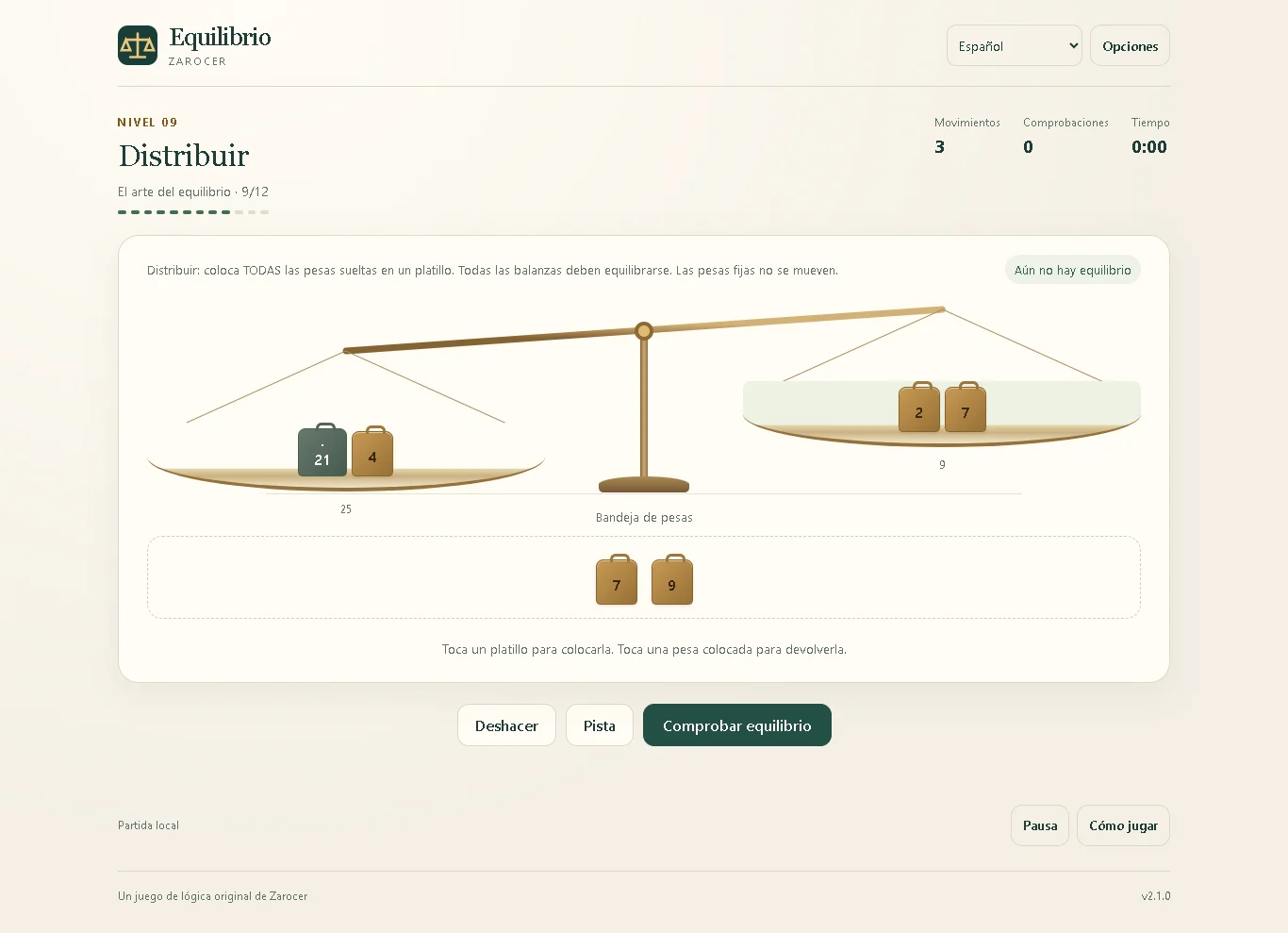
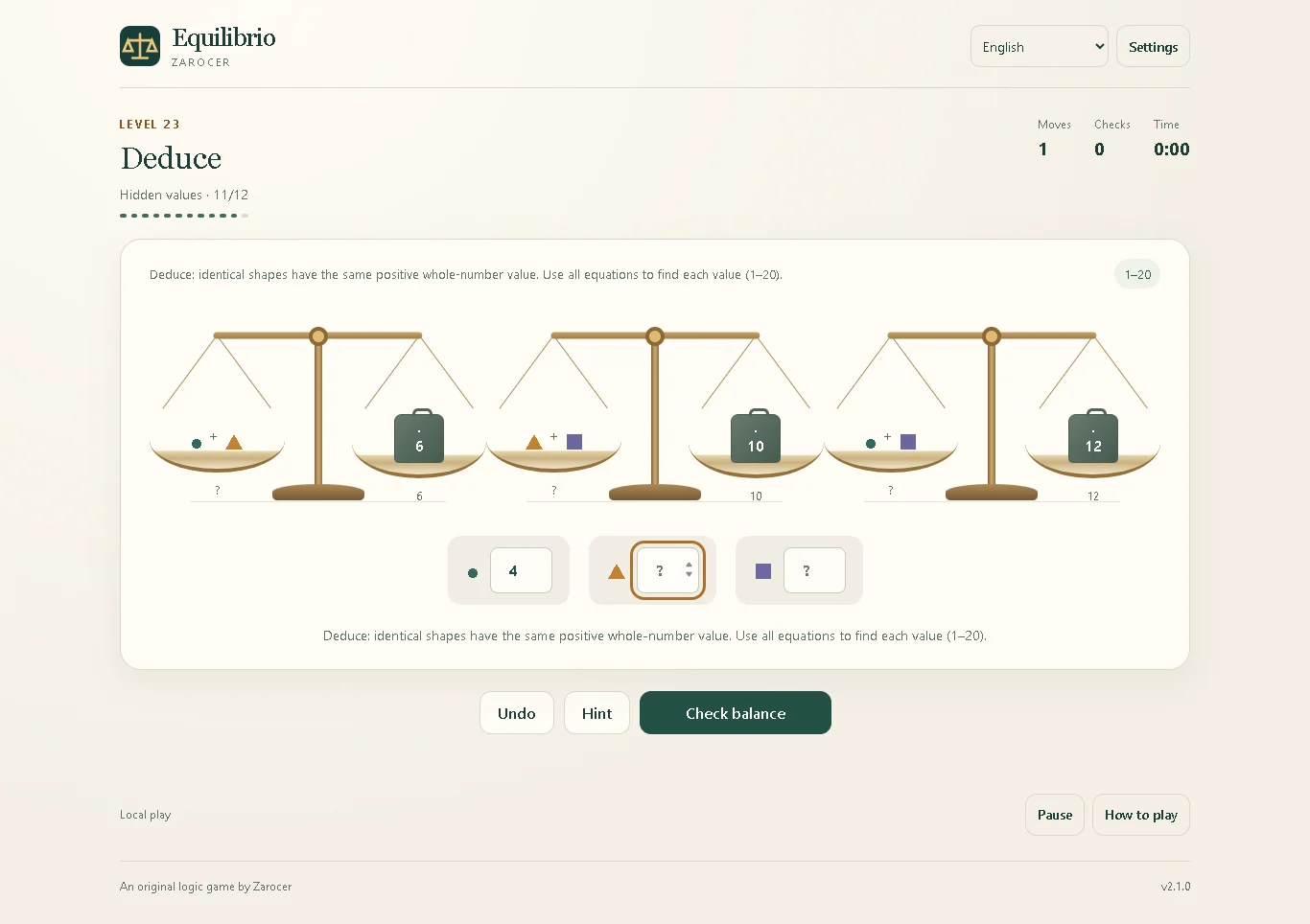
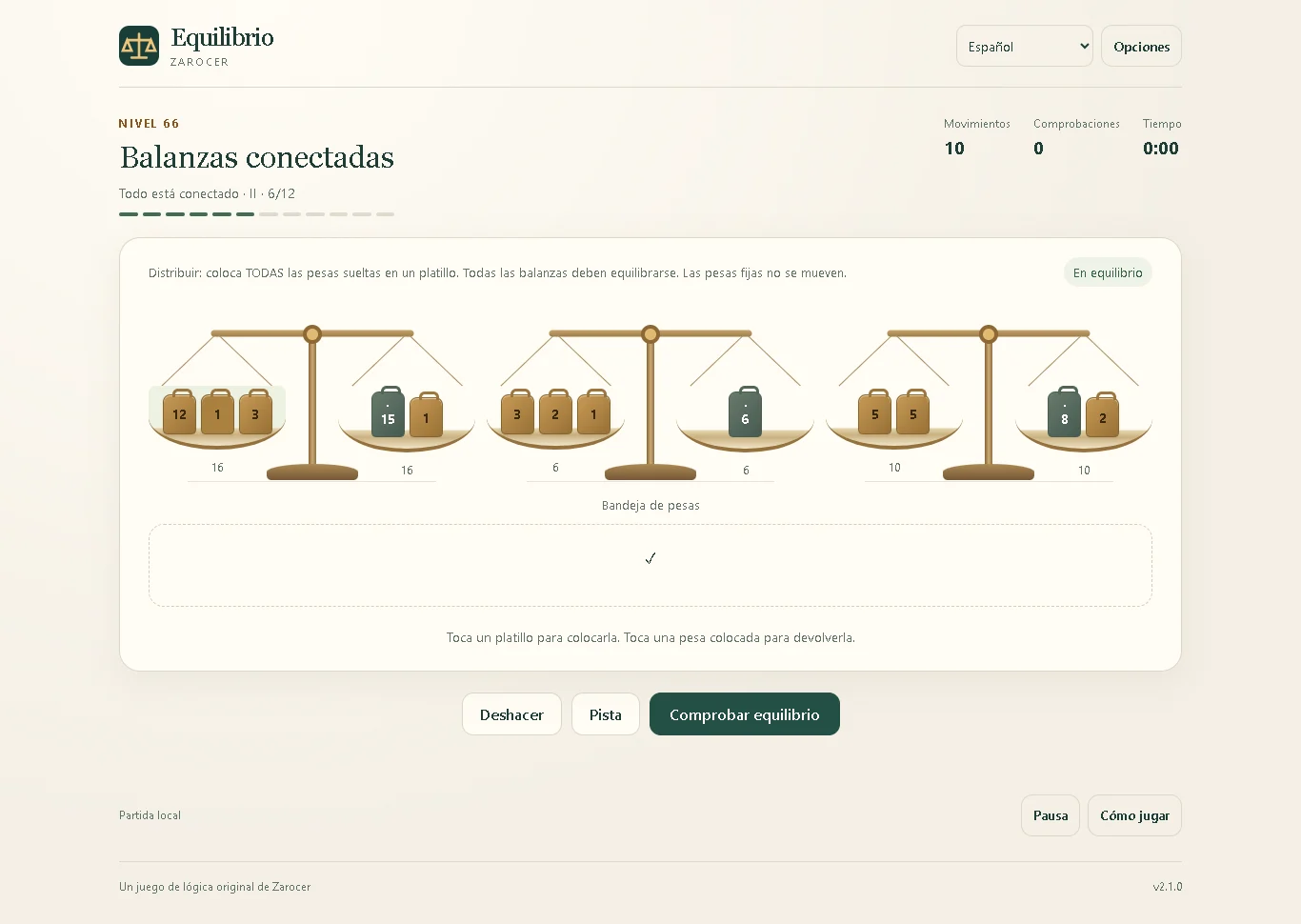
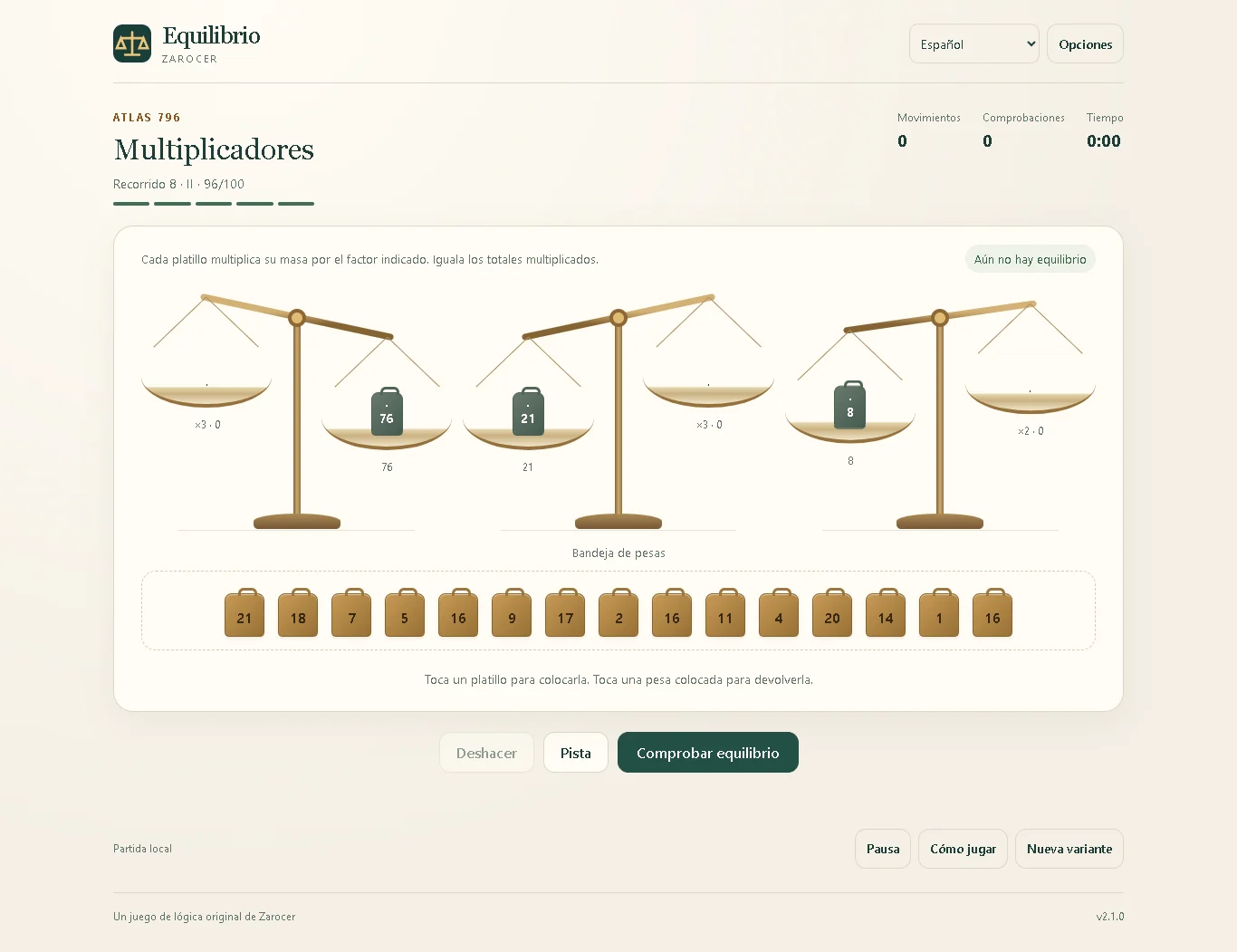
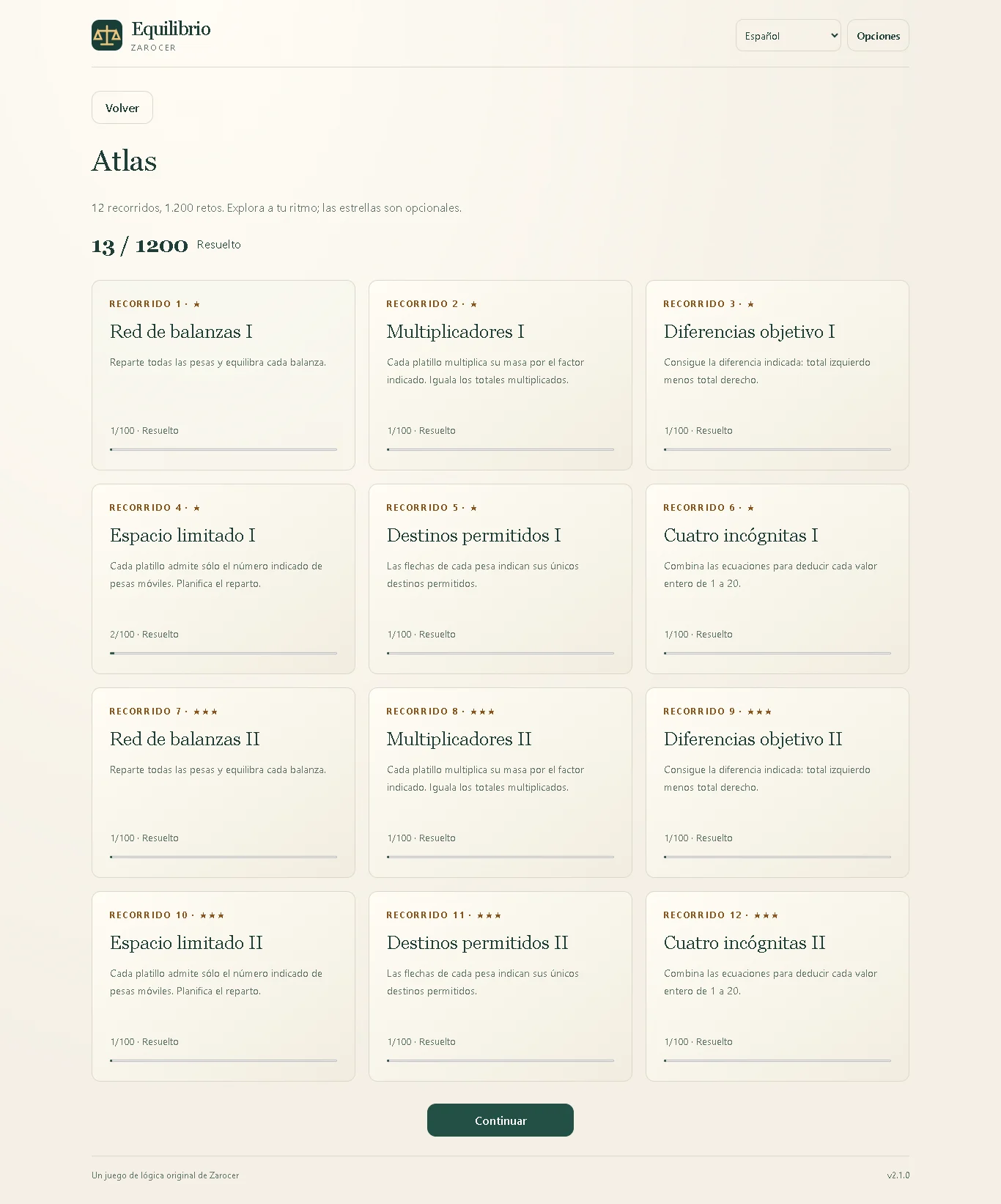
Equilibrio turns a simple balance scale into a reasoning puzzle. First, distribute every loose weight between two pans so their totals match. Next, solve equations with unknown shapes: identical shapes always represent the same positive whole number. The final chapter connects three scales and gives you a shared tray of weights to distribute. The 72 levels unlock gradually, and completed levels remain available to replay. Hints reveal one useful placement or value, while undo lets you revise your approach. Progress and personal records stay on your device when browser storage is available. The daily challenge contains five puzzles shared by players on the same UTC date. Three failed checks end the run. Using assistance or restoring a saved run makes it local practice. You can play without an account; a public leaderboard is not yet connected. Atlas adds 1200 puzzles alongside the 72 campaign levels.
Explore category: Logic Puzzle Games
How to play
Select a weight, then click or tap a pan. Tap a placed weight with no other weight selected to return it to the tray. Use every loose weight and balance every scale before checking. In deduction levels enter a whole number from 1 to 20 for each shape. Use Tab and Enter or Space for keyboard play.
Game screenshots
FEATURES
- Atlas adds 1200 puzzles alongside the 72 campaign levels.
- 72 campaign levels
- Atlas with 1,200 deterministic puzzles
- Weights, hidden values and connected scales
- Hints and undo
- Local saves and eleven languages
CONTROLS
- Select a weight, then click or tap a pan.
- Tap a placed weight with no other weight selected to return it to the tray.
- Use every loose weight and balance every scale before checking.
- In deduction levels enter a whole number from 1 to 20 for each shape.
- Use Tab and Enter or Space for keyboard play.