Arcade Tennis
Created by Zarocer
Beta
- Developer
- Zarocer
- Genre
- Sports
- Version
- 1.0.1
- Published
- October 7, 2026
- Last updated
- October 7, 2026
- Game engine
- HTML5
A seven-point arcade tennis tiebreak with automatic returns, three AI levels and a daily challenge.
About Arcade Tennis
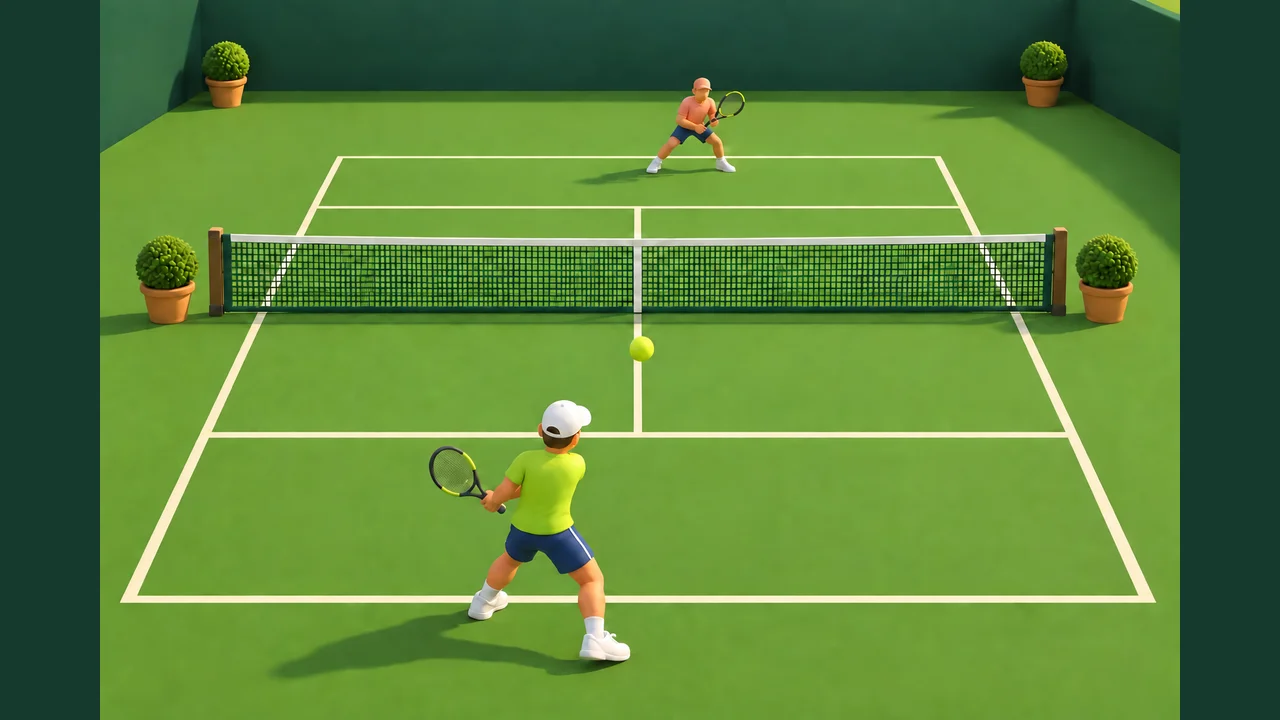
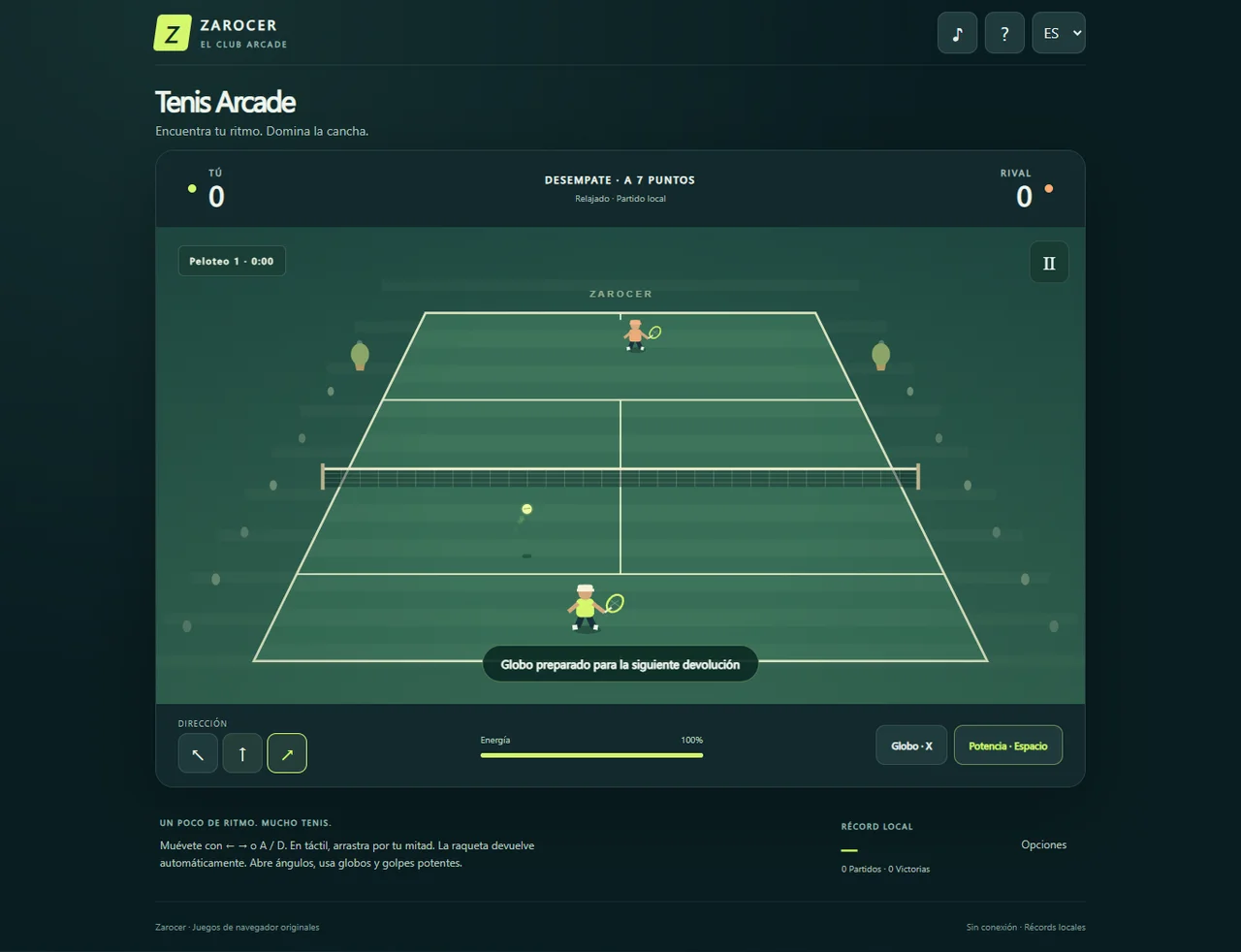
Good positioning wins the next return in Arcade Tennis. Move into the ball’s path after its first bounce and your racket returns it automatically. You choose the angle: play through the center to keep a rally going, aim wide to stretch the rival, lob to buy time or use a power shot when your energy allows. This arcade variation turns a singles tennis tiebreak into a compact browser match. First to seven wins with a two-point lead; at 14–14, the next point decides the match. Serves are simplified, with no service boxes or double faults. Pick a relaxed, club or expert AI rival, or play the daily challenge with the same UTC-date conditions. Pause and save your progress on the device. Resumed matches count toward local records only. Play without an account in seven languages on keyboard, mouse or touch. Global leaderboards require portal integration and are not public in this build.
Explore category: Sports Games
How to play
Choose a difficulty and start a match. Press Space or tap the court to serve. Move with left/right arrows or A/D; on touch, drag on your half. Aim with J/K/L or the direction buttons. Hold Space for power and X for a lob; on touch, tap the shot button. Return after one bounce. Two bounces, net or an out-of-court first bounce lose the point. P or Escape pauses the match.
Game screenshots
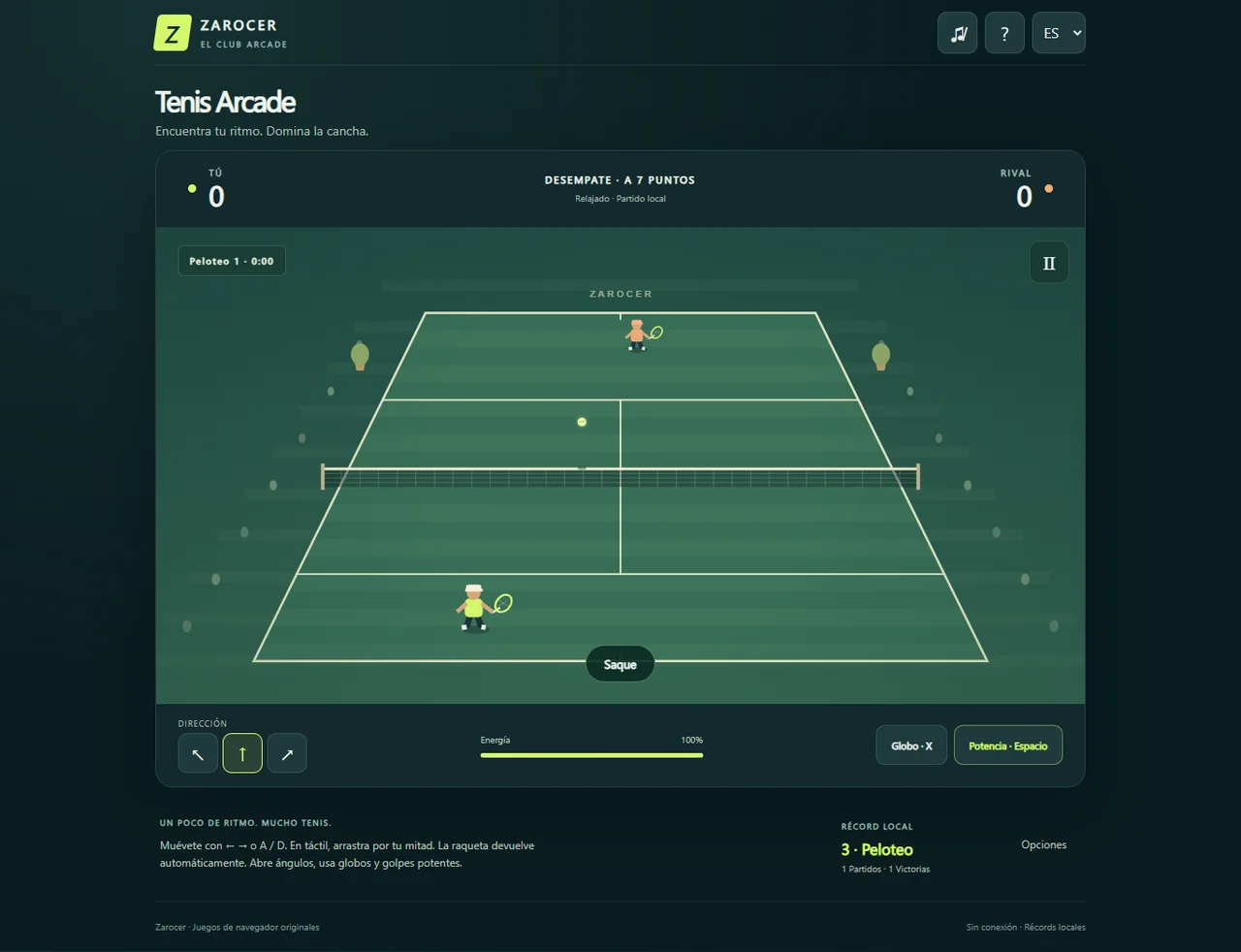
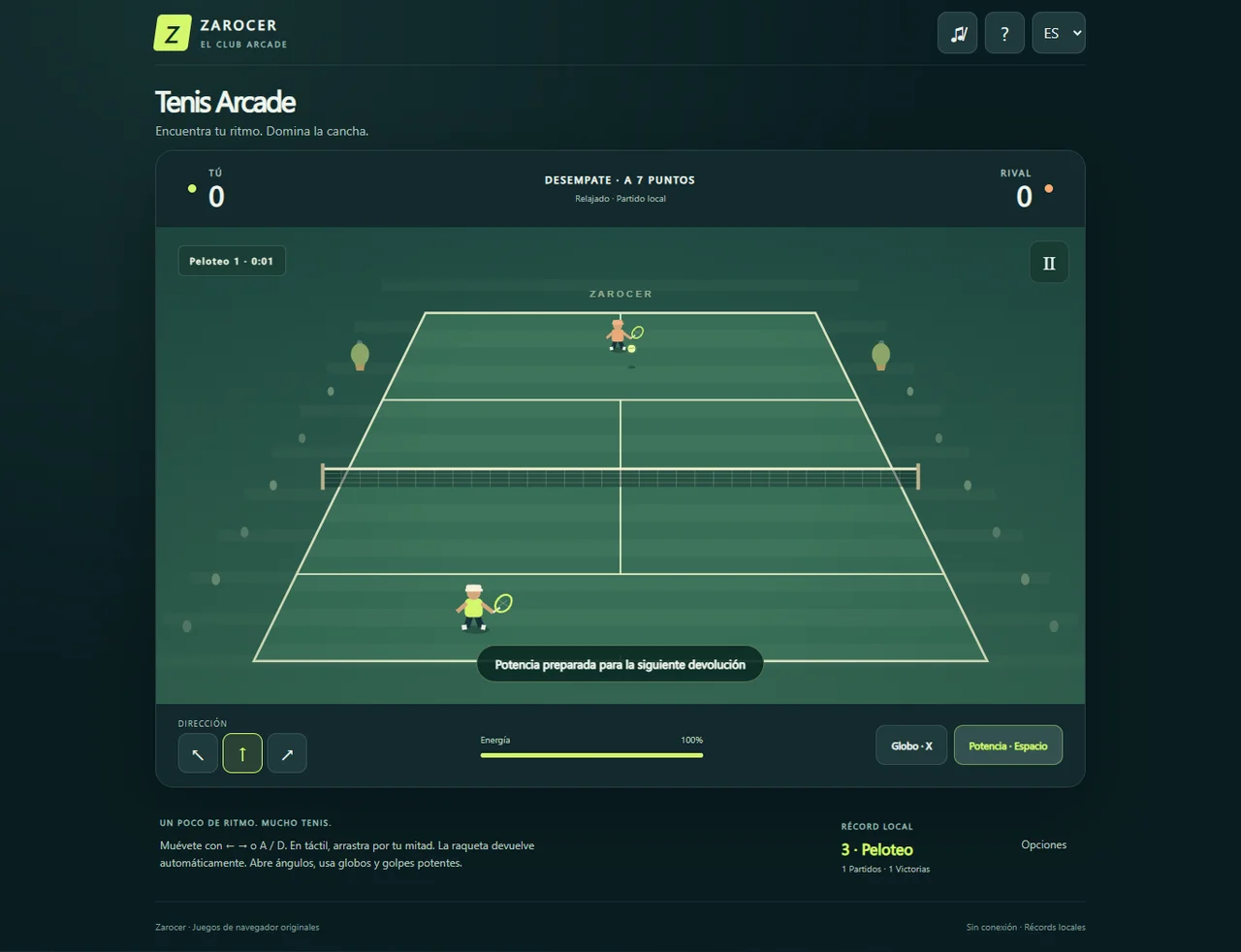
FEATURES
- Seven-point tiebreak with a two-point lead
- Three difficulties and UTC daily match
- Automatic returns based on positioning
- Lobs, aiming and energy-limited power
- Local saves and seven languages
CONTROLS
- Choose a difficulty and start a match.
- Press Space or tap the court to serve.
- Move with left/right arrows or A/D; on touch, drag on your half.
- Aim with J/K/L or the direction buttons.
- Hold Space for power and X for a lob; on touch, tap the shot button.
- Return after one bounce. Two bounces, net or an out-of-court first bounce lose the point.
- P or Escape pauses the match.