
Two-player board games on one device: choose your next match
One screen can host two players without simultaneous keyboard controls. These browser editions support taking turns on the same device, with different reasons for a turn to end or continue. Choose the kind of board decision you want to share.
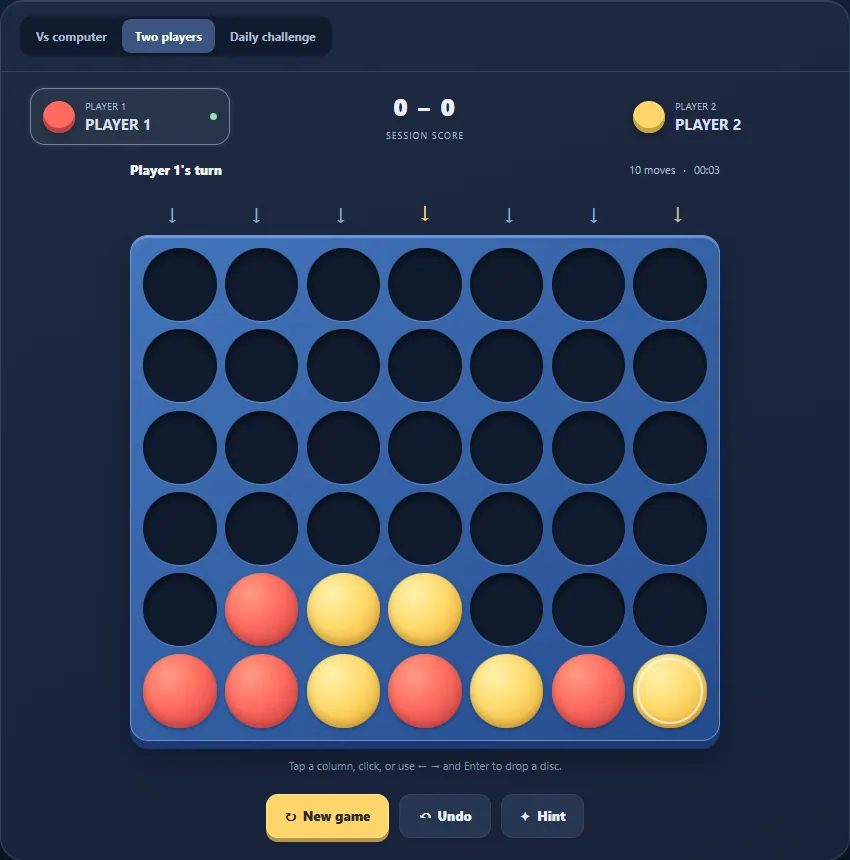
Connect Four for placement and immediate threats
Choose one of seven columns and the disc falls to its lowest available space. Four matching discs win horizontally, vertically or diagonally. You cannot select an arbitrary height, so a planned winning square may need supporting discs below it.
Try it when you want one placement per turn and an easily recognised objective. Check the opponent's next winning move as well as your own. Select local two-player mode: a computer match does not hand the other seat to the person beside you.
Reversi for changing ownership
A placement must bracket an opposing line between the new disc and one already belonging to you. Captured lines flip colour. Your current disc lead can therefore disappear, unlike a fixed set of placed Connect Four discs.
Choose it for examining replies and corner access. A player with no legal move passes automatically; passing is not a courtesy or an optional tactical choice. When neither player can move, the larger disc total wins.
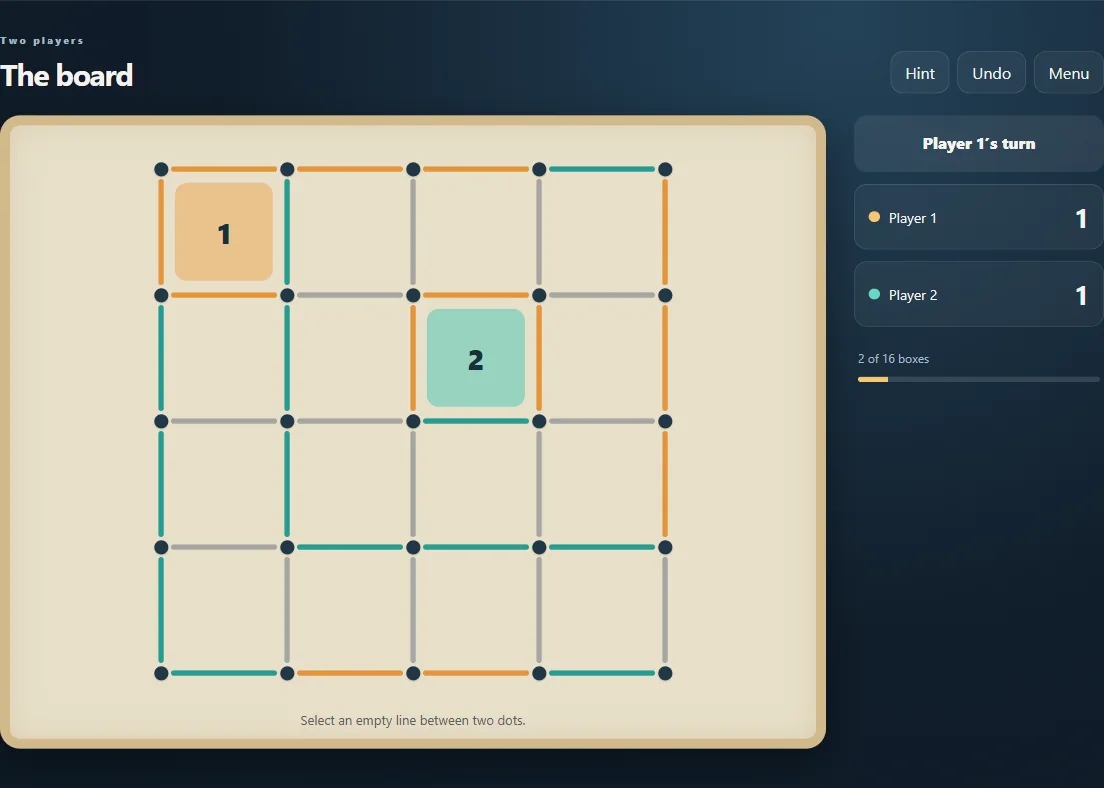
Dots and Boxes for turn-extending captures
Select an unused line between neighbouring dots. Closing a square earns a point and another move. That means one click need not end a turn: a chain of completed boxes can keep the same player placing lines.
This edition offers 3×3, 4×4 and 5×5 boxes. Choose how much board you want to inspect rather than assuming a guaranteed match length. Numbers inside claimed boxes identify ownership without relying only on colour.
Set up the shared-device match
Explicitly select each game's local two-player option and watch the turn indicator. Both people use the same browser and screen. These modes do not create an invite link or connect a second phone; the screenshots illustrate boards rather than certifying a selected play mode.
Mouse or touch lets you share actions without simultaneous key controls. Agree on hints and undo before competing, and check local progress before leaving an unfinished game. Browser saves and statistics are not an online account-to-account scoreboard.
Keep playing
Every game page lists its current version and controls and offers a fullscreen play view.
Explore the collection: Board Games