
Daily puzzle games: choose a challenge and understand its reset
Daily is a mode, not a promise that every browser game resets together. These three editions offer different tasks and different ways to select a day’s board. Use the comparison to choose a challenge and understand what returning to it can preserve.
Choose Nonogram Atelier for visual deduction
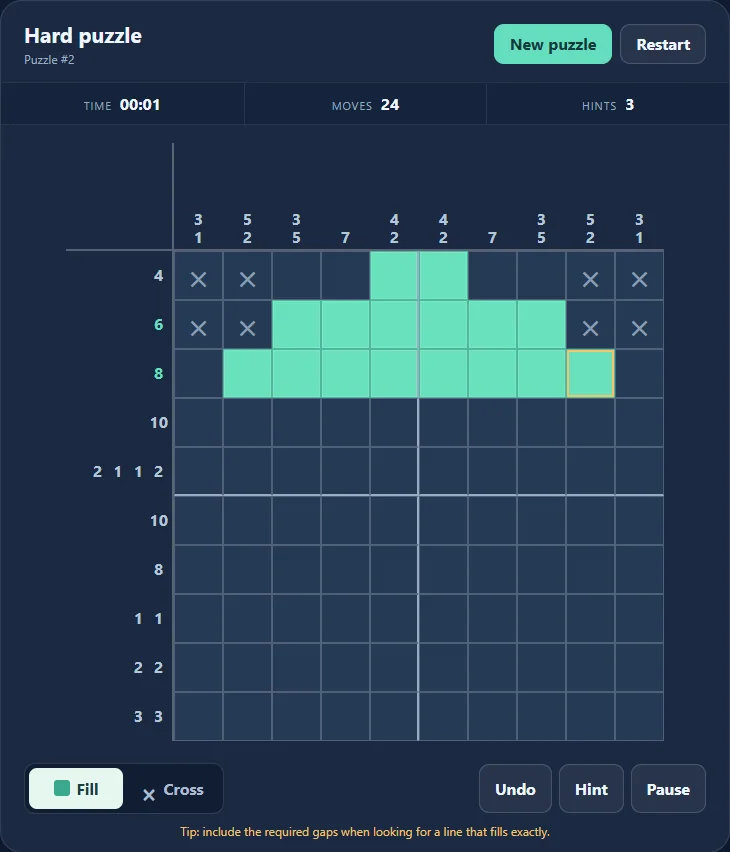
Count clues specify filled runs separated by empty cells. Combining the two directions gradually reveals the picture; marking a known empty cell can be as useful as filling one. Choose this task when you want to inspect positions rather than decode vocabulary.
The Daily tab selects a medium puzzle using a UTC date. It draws from a puzzle collection with variants, so a new calendar date does not guarantee a picture never encountered before. Classic provides difficulty choices and further boards without waiting for another day.
Choose Daily Crossword for clues and crossings
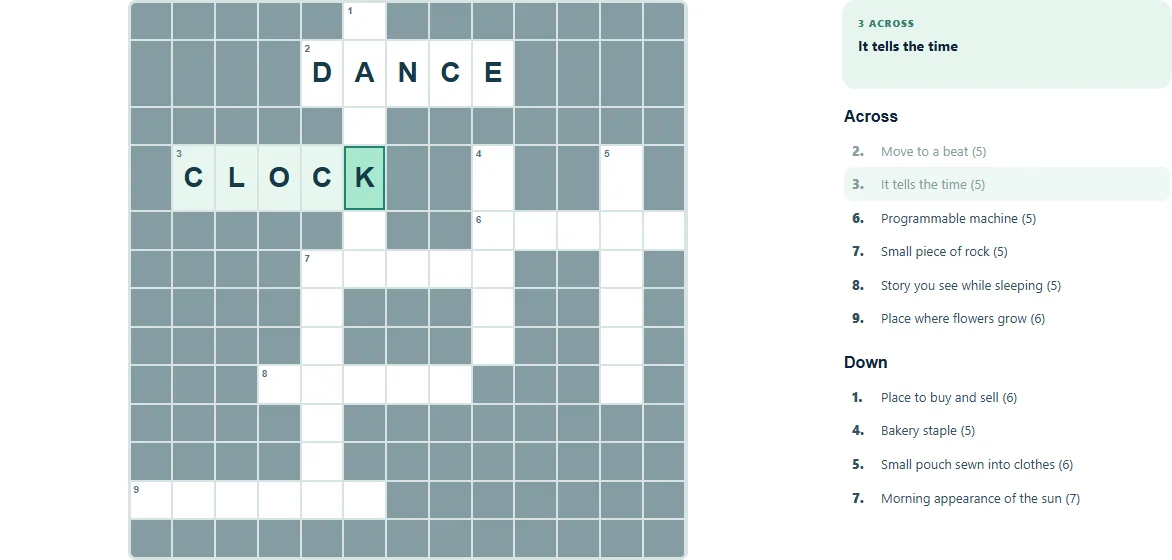
A clue suggests an answer of a given length. Entered letters then constrain crossing answers, so this is not a search for target words already printed on the board. Check the language before starting: it changes the answer collection as well as the interface.
Daily selection follows the UTC date and language collection. Quick mode supplies another session separately. Checking highlights wrong entered letters, while a hint reveals a letter; consider how assistance affects a comparison of your own sessions. Neither tool explains the entire clue for you.
Choose Mahjong Solitaire for changing access
Remove matching accessible tiles until the board is clear. A tile needs no covering tile and an open horizontal side. A legal match changes the remaining access, making the next pair a board decision rather than a word or number inference.
Its daily deal uses the device’s local calendar date and selected layout. Compare the mode and help use too: Relaxed, Classic and Challenge have different assistance allowances and scoring. A local record is not proof of a worldwide ranking or an equivalent attempt by another player.
Check the session before returning
UTC and local dates can differ at the same instant. Check the displayed date, mode, language and layout before concluding that a different board is a bug. Use the displayed date when comparing results from two sessions.
These versions keep progress in the current browser and domain. Another device or the other language portal does not automatically restore the same run. Pause when you want to inspect the board and choose one task that interests you; completing all three or meeting an arbitrary solve time is unnecessary. The linked game pages open the playable editions.
Keep playing
Every game page lists its current version and controls and offers a fullscreen play view.
Explore the collection: Puzzle Games