
Word search: diagonal words, reverse lines and selection tips
A word search is not only a hunt for familiar letter shapes. Reversing a line or changing its angle can hide an otherwise obvious word. Luma uses straight lines, so checking direction and endpoints makes the search more reliable.
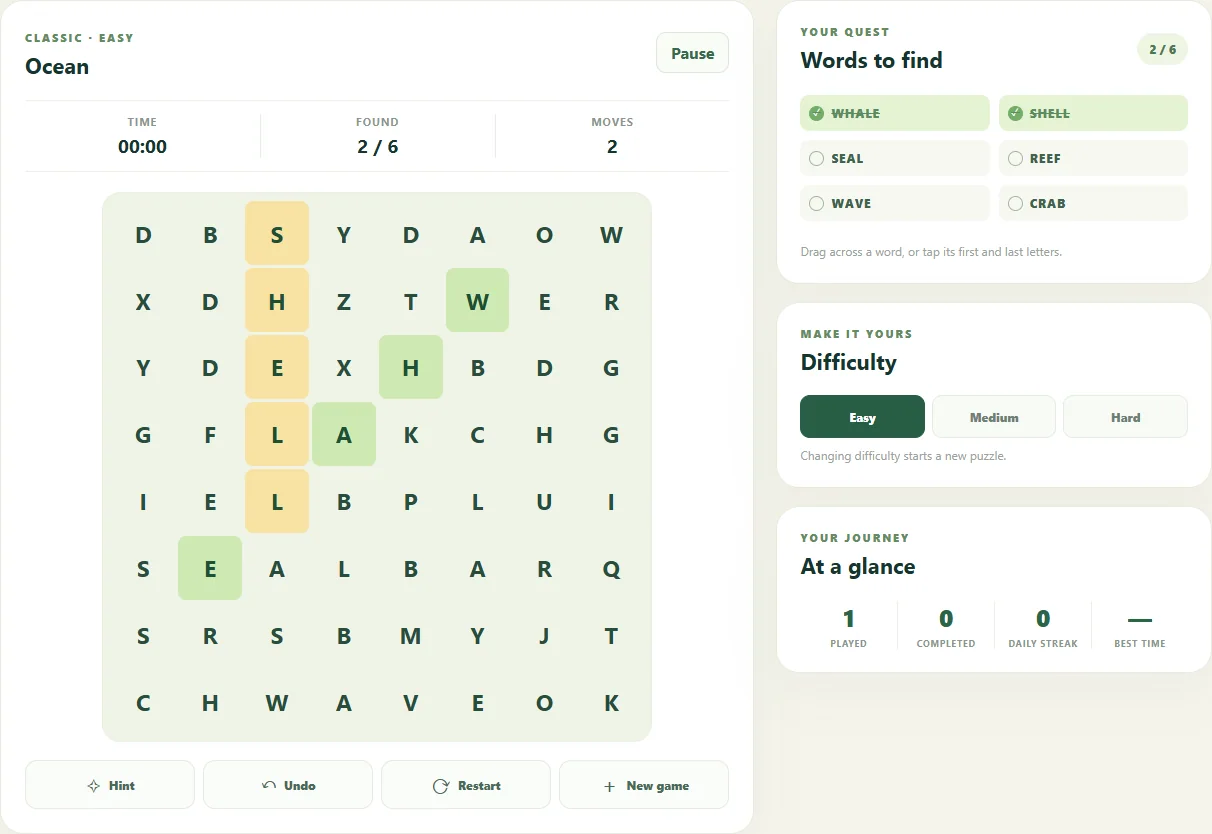
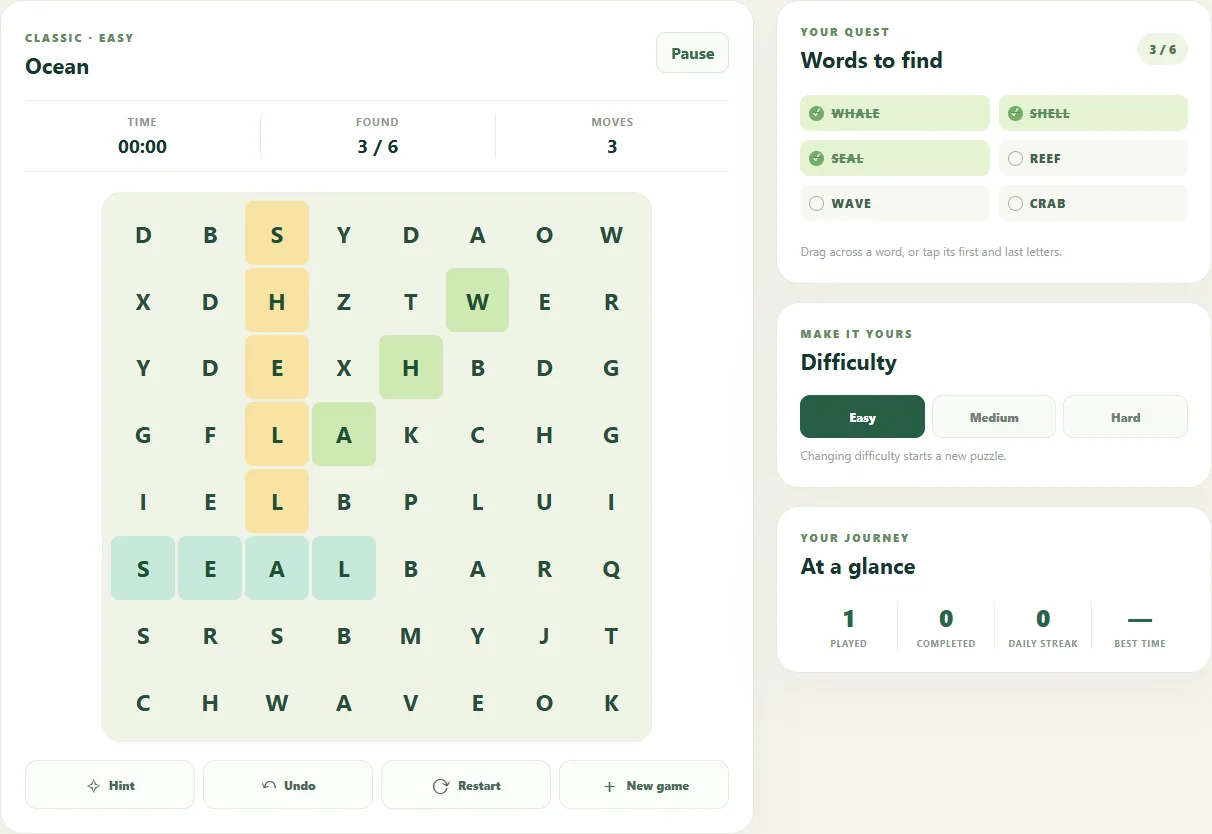
Start with a target from the list
Pick an unfinished word and look for a distinctive sequence or repeated letter. A less common letter may narrow the search, but it need not occur only once in the grid. Verify every letter rather than treating a promising fragment as a solution.
Luma can place words in eight directions: horizontal, vertical and both diagonals, forwards or backwards. There are no bent paths. Easy, Medium and Hard use 8×8, 10×10 and 12×12 grids, which change the area you need to inspect.
Follow one diagonal all the way
At a possible first letter, inspect its neighbours for the second. Keep the same row and column step for the rest of the word. A down-right diagonal advances one row and one column at every letter; switching angle halfway creates a different path.
For MOON, finding M → O → O is not enough: N must occupy the next position on that same line. Searching from the final N in reverse can make an awkward backwards word easier to verify.
Use either endpoint first
Drag between the two ends, or tap one end and then the other. This edition accepts a placed word in either selection direction. A word written right-to-left can therefore be selected from its left endpoint if that gesture is easier.
The endpoints must enclose the entire placed word. A partial selection, an extra cell or an uneven diagonal will not match it. When a selection fails, recheck the two ends before assuming the word is absent.
Give diagonals their own pass
Scan rows and columns in a consistent order, then deliberately inspect diagonal lines. Change target when you keep revisiting the same patch without a new clue. Looking from a word's last letter is a useful alternative to rereading the same opening letters.
A hint reveals a starting letter rather than automatically finding the whole word. Use that location to test each direction. Marked words do not mean their letters are forbidden for another target: confirm the complete line you are looking for.
The interface language is not the current word list
Switching the interface language preserves the current puzzle and progress; it does not translate an already generated grid. Follow the visible word list. The daily seed depends on UTC date, word language and difficulty, so different configurations need not share a board.
Find every listed word to complete the puzzle. Pause when needed, play with touch or a mouse, or use arrow keys and Enter. Times and statistics belong to the current browser. This guide does not promise a global ranking or a particular completion time.
Keep playing
Every game page lists its current version and controls and offers a fullscreen play view.
Explore the collection: Word Games